
Our Picks
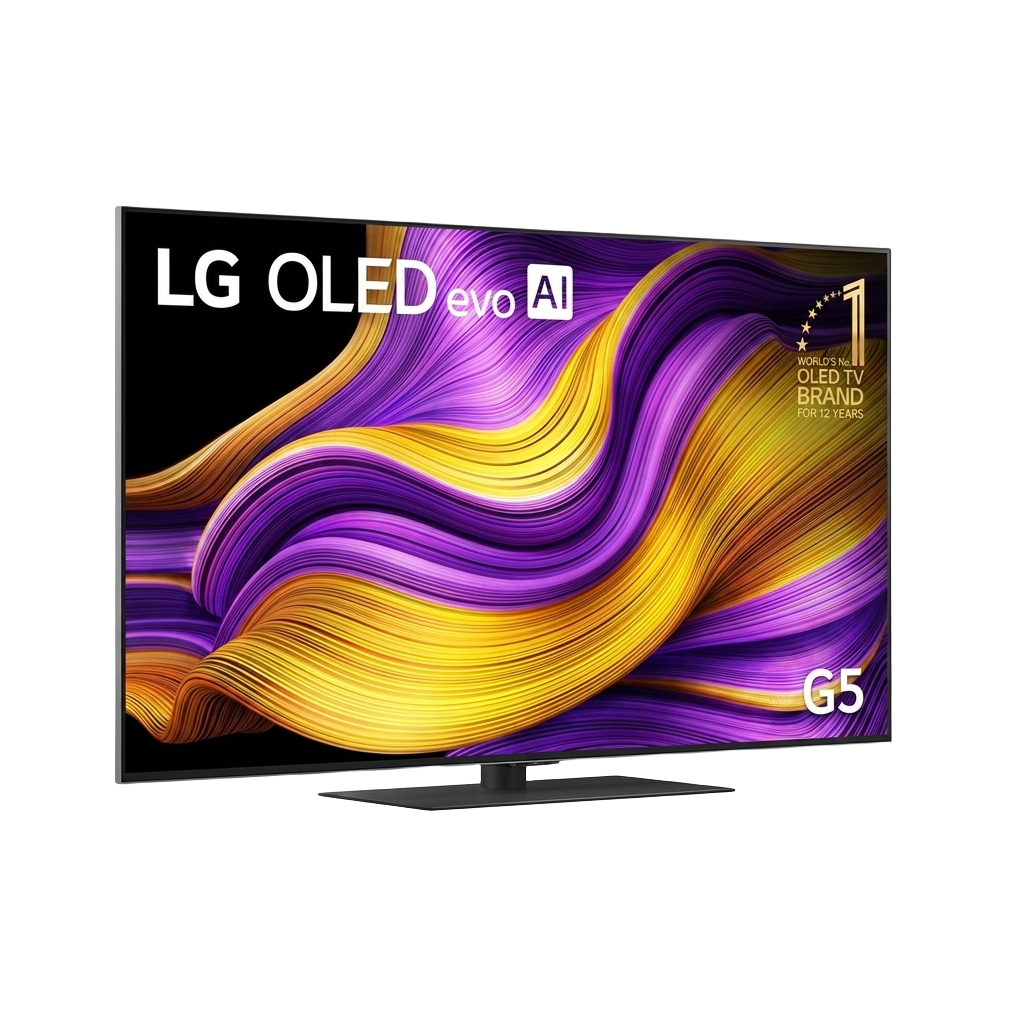
LG G5 65" OLED evo Gallery
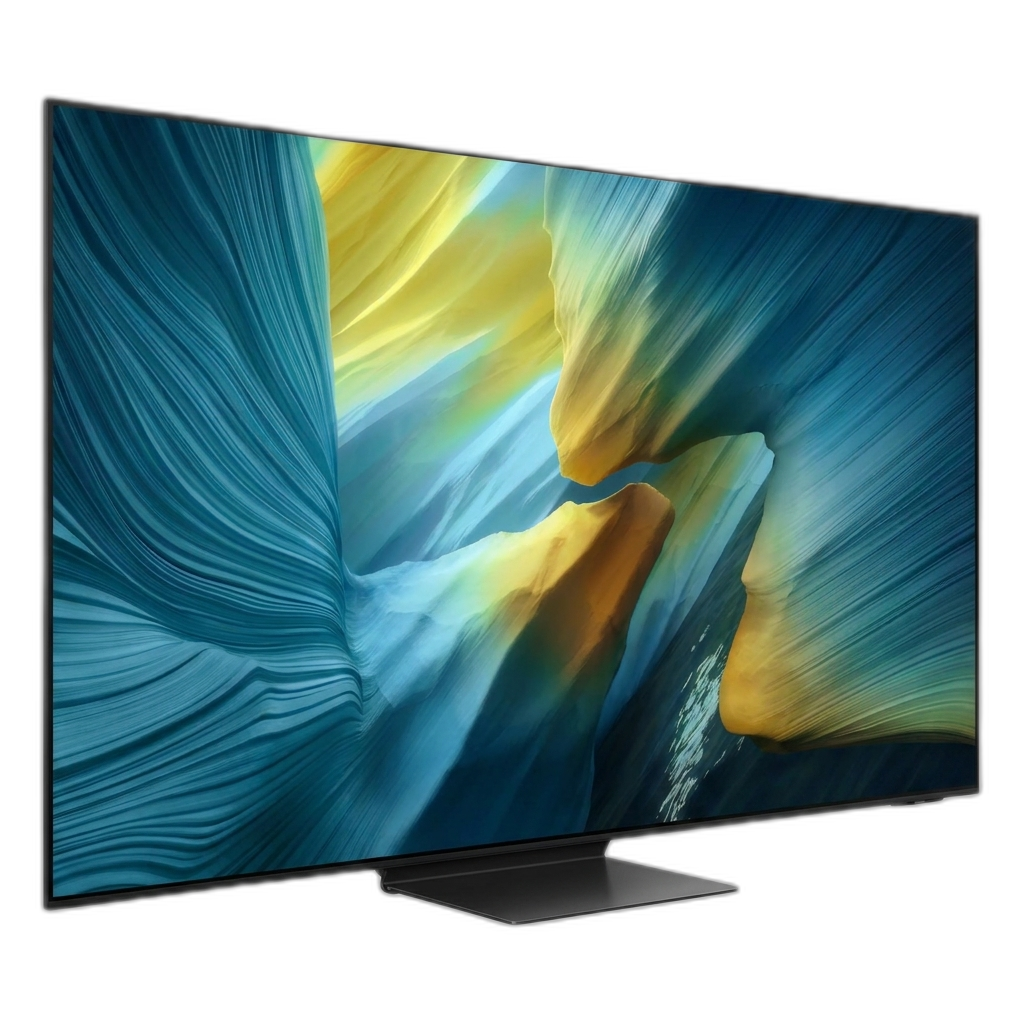
Samsung S95F 65" QD-OLED
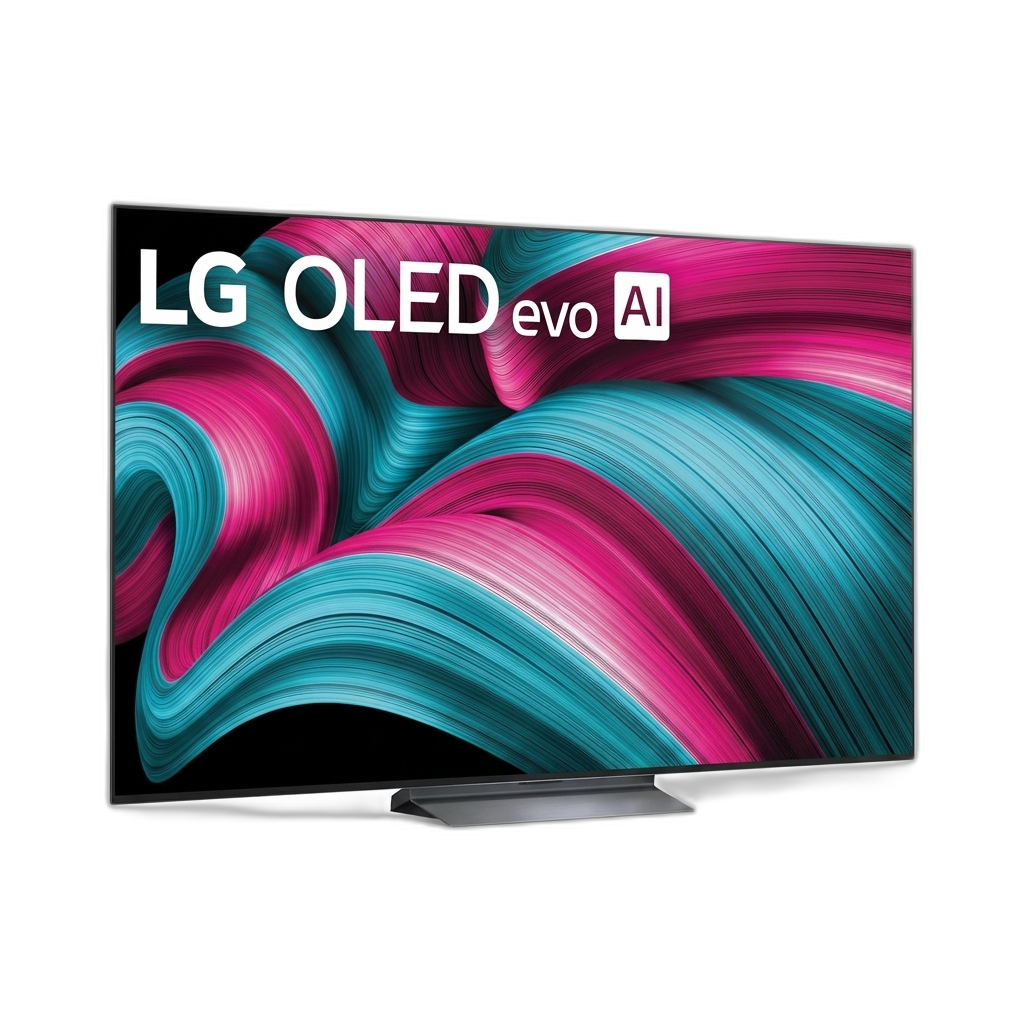
LG C5 65" OLED evo

Samsung S90F 65" QD-OLED

Sony Bravia 8 II 65"
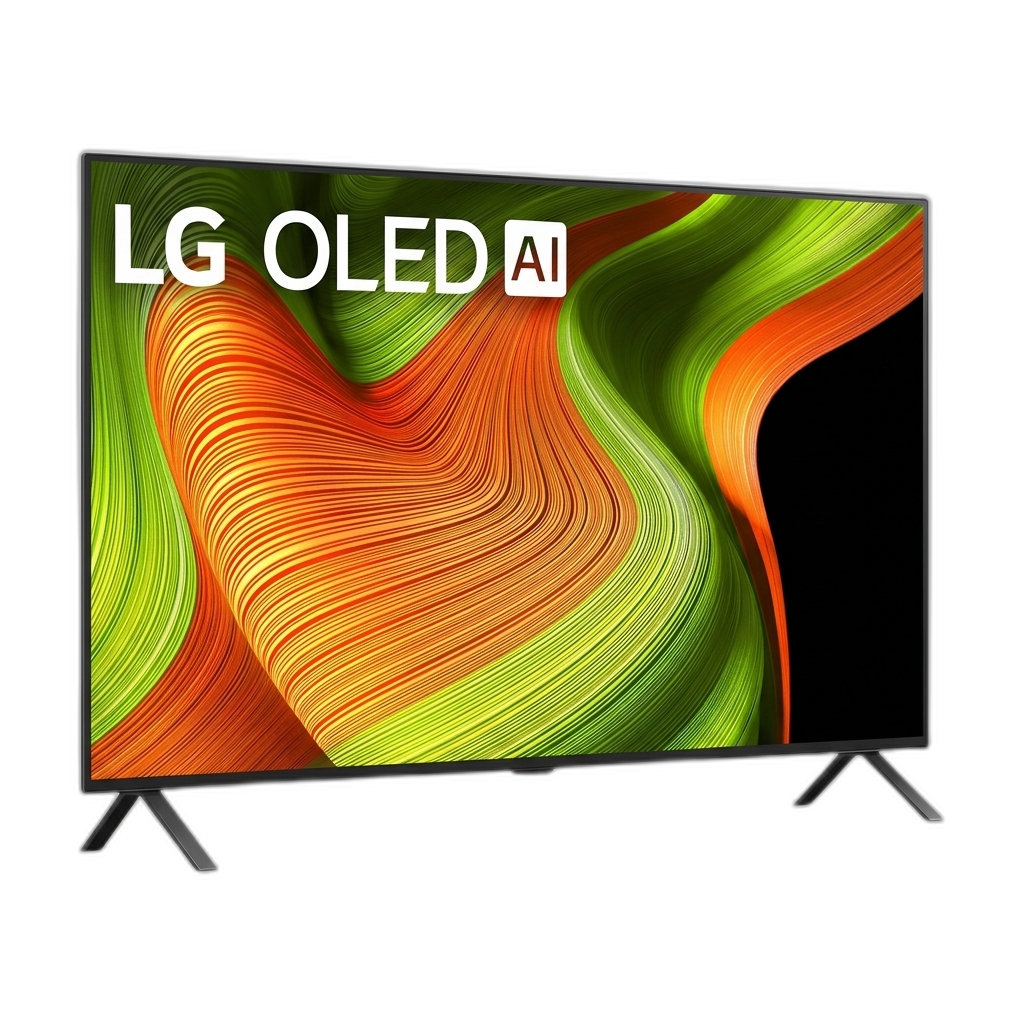
LG B5 55" OLED
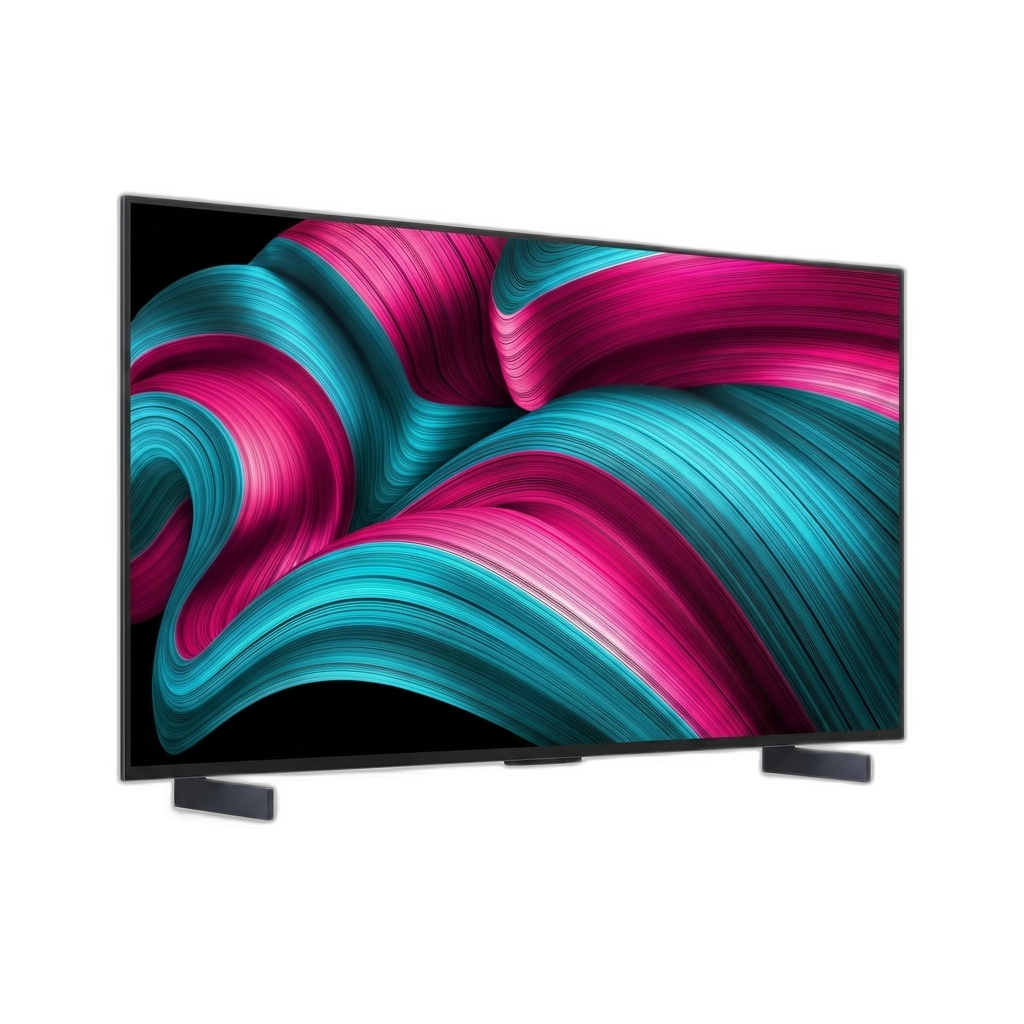
LG C5 42" OLED evo

LG C5 77" OLED evo
I'll be honest: OLED TVs in 2026 have gotten so good that the differences between models come down to nits and milliseconds. Most people won't notice the gap from a normal couch distance.
LG still runs the table with three tiers of OLED panels. Samsung is pushing QD-OLED harder than ever, and their anti-glare coating actually works this time around. Sony keeps shipping the best image processing in the business, even though their spec sheets look underwhelming next to the competition.
I filtered the current market down to 8 panels that cover every realistic scenario, from a 42-inch desk display to a 77-inch slab for your living room wall. Every pick was checked against rtings.com measurements, user feedback from r/OLED and r/hometheater, and professional calibration reviews.
Prices run from $899 to $2,798. Every TV here uses a self-emissive OLED panel with perfect black levels. What separates them is brightness, processing, anti-glare coating, and how many HDMI 2.1 ports you get.
LG G5 65" — Best Overall

LG G5 65" OLED evo Gallery
Pros
- Tandem OLED panel delivers highest brightness of any OLED
- Gallery design mounts flush to wall like a painting
- 165Hz native with full G-Sync and FreeSync support
Cons
- Flagship price point. The C5 gets you 85% of this for half the cost
- No stand included. Wall mount or optional stand is extra
- Marginal dark-scene processing issues reported in some DV content
The G5 is the first LG OLED to use a Primary RGB Tandem panel: four stacked emission layers (two blue, one red, one green) instead of the standard single-layer design. The results aren't subtle. Independent testing shows peak HDR brightness over 2,400 nits in small highlights, with sustained full-screen brightness hitting 400+ nits. For context, the C5 tops out around 1,000 nits in the same tests. That brightness gap means HDR specular highlights, sun reflections, explosions, neon signs, look noticeably more impactful on the G5.
The Gallery design mounts flush against a wall. It looks like a framed picture when it's running artwork mode, and I mean that without exaggeration. The Alpha 11 Gen2 processor is LG's most powerful, handling 4K at 165Hz natively with better AI upscaling than the a9 in the C5. Full G-Sync and FreeSync Premium support round out the gaming side.
Price is the barrier. At $2,299, you're paying nearly double the C5 for a brightness advantage that only really shows up in HDR highlights and bright rooms. Some early reviews also flagged minor banding in dark HDR10 scenes, though firmware updates have addressed most of it. No stand is included, so you're expected to wall-mount or buy one separately.
Buy it if: You want the absolute best OLED TV on the market right now, with zero compromises in brightness or contrast.
Skip it if: You're on a strict budget, where the C5 offers much better value per dollar.
Samsung S95F 65" — Best for Bright Rooms
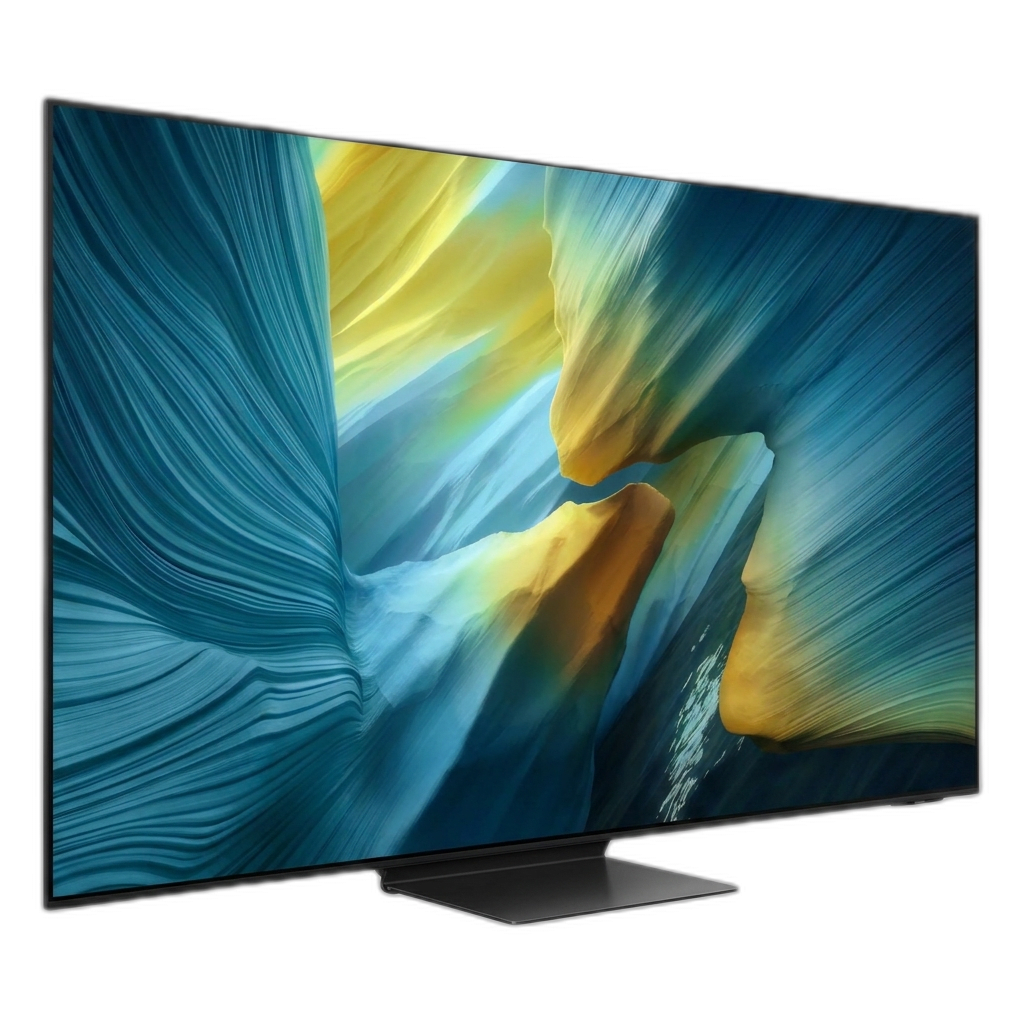
Samsung S95F 65" QD-OLED
Pros
- OLED Glare Free coating kills reflections dead
- Exceptional color volume and saturation in HDR
- 165Hz refresh rate is the highest in this roundup
Cons
- No Dolby Vision — Samsung's HDR10+ only
- Premium price for what is essentially a mid-gen panel
- OneConnect box adds cable management hassle
The S95F's selling point isn't the QD-OLED panel. It's the OLED Glare Free matte coating over it. Every other OLED on this list uses a glossy finish that turns into a mirror the second sunlight hits it. Samsung's matte treatment diffuses light across the surface and kills sharp reflections. If you've got floor-to-ceiling windows in your living room, this is the only OLED that won't fight you every afternoon.
The panel itself is excellent. Reviews have measured peak HDR brightness over 2,100 nits in a 10% window, with color volume that pushes QD-OLED's natural advantage in saturation about as far as it can go. The 165Hz refresh rate is the highest in this roundup, and Samsung's gaming hub supports cloud gaming natively.
The catch is Dolby Vision. Samsung still won't support it, locking you into HDR10+. If you use Netflix, Disney+, or Apple TV+ a lot, your HDR content will fall back to the less-optimized base HDR10 format. The matte coating also has a subtle trade-off: in dark rooms, the diffusion layer can raise perceived black levels slightly compared to a glossy panel. It's not dramatic, but if you're particular about blacks, you'll notice.
Buy it if: Your living room has windows, lamps, or any light source that creates reflections on your current TV.
Skip it if: You watch mostly in a dark room and want the deepest possible blacks, or Dolby Vision is non-negotiable for you.
Samsung S90F 65" — Best Value (Price-to-Performance)

Samsung S90F 65" QD-OLED
Pros
- QD-OLED quality at near-WOLED pricing after discounts
- 144Hz refresh rate with ultra-low input lag
- Punchy, saturated colors that pop in any content
Cons
- No Dolby Vision support (Samsung ecosystem lock-in)
- Not as bright as its S95F sibling
- 40W speakers are underwhelming. You'll want a soundbar
Samsung has slashed the S90F's price so hard, from a $2,499 MSRP down to roughly $1,297 at most retailers, that it now competes with WOLED panels on price while delivering QD-OLED picture quality. That's an unusual spot. You're getting the same quantum dot color volume and wide color gamut that powers the flagship S95F, just without the matte coating and with slightly lower peak brightness (around 1,600 nits vs. the S95F's 2,100+).
The 144Hz refresh rate with ultra-low input lag makes it a solid gaming display. The NQ4 AI Gen3 processor handles upscaling and motion smoothing competently, and FreeSync Premium Pro covers variable refresh rate for PC and console gaming. Colors are punchy and saturated out of the box, which is what QD-OLED does best. The glossy finish preserves deep black levels in darker rooms.
Same Dolby Vision limitation applies: Samsung's ecosystem only does HDR10+. The built-in 40W 2.1 channel speakers work but they're thin. Plan on adding a soundbar. And because this uses a traditional glossy panel (unlike the S95F's matte treatment), reflections will be more visible in bright rooms.
Buy it if: You want QD-OLED color quality and don't mind skipping Dolby Vision. This is the best performance per dollar OLED on the market right now.
Skip it if: Dolby Vision is a must-have, or you need anti-glare performance for a sun-drenched room.
LG C5 77" — Best Big Screen OLED

LG C5 77" OLED evo
Pros
- Massive 77-inch cinematic screen with perfect blacks
- Brightness Booster technology at this size
- Significantly cheaper than the 77-inch G5
Cons
- Still dimmer than the G5 at the same size
- Needs a large wall or deep TV stand
- 77-inch panel uniformity can vary — check returns policy
The 77-inch C5 gives you the cinematic scale that smaller OLEDs can't replicate. At this size, the WOLED evo panel with Brightness Booster provides noticeably more HDR impact than the 42 and 48-inch models. You get the full brightness capability of the C5 platform in a format that fills your peripheral vision from a normal couch distance.
The value case here is the price gap vs. the G5 at the same size. The 77-inch G5 launched at $4,499; the 77-inch C5 launched at $3,699, but street prices have pushed it even lower, often landing around $1,799. That's a big savings for a panel that keeps the same processor, the same HDMI 2.1 port count, and the same Dolby Vision and gaming features. You lose the tandem panel's extreme brightness peaks, but for most content in a moderately lit room, the difference is less noticeable than the price gap suggests.
At 77 inches, panel uniformity can occasionally vary. Some units may show subtle banding or slight brightness inconsistency across the panel. This is normal for large OLED panels from any manufacturer. Buy from a retailer with a reasonable return policy and inspect your panel with full-field test patterns within the return window.
Buy it if: You want the biggest OLED experience without paying G5 prices, and you have a room that can handle a 77-inch screen.
Skip it if: You have a dedicated, light-controlled home theater and the budget for the G5. Its tandem panel brightness is a real upgrade at this size.
LG B5 55" — Best Budget OLED
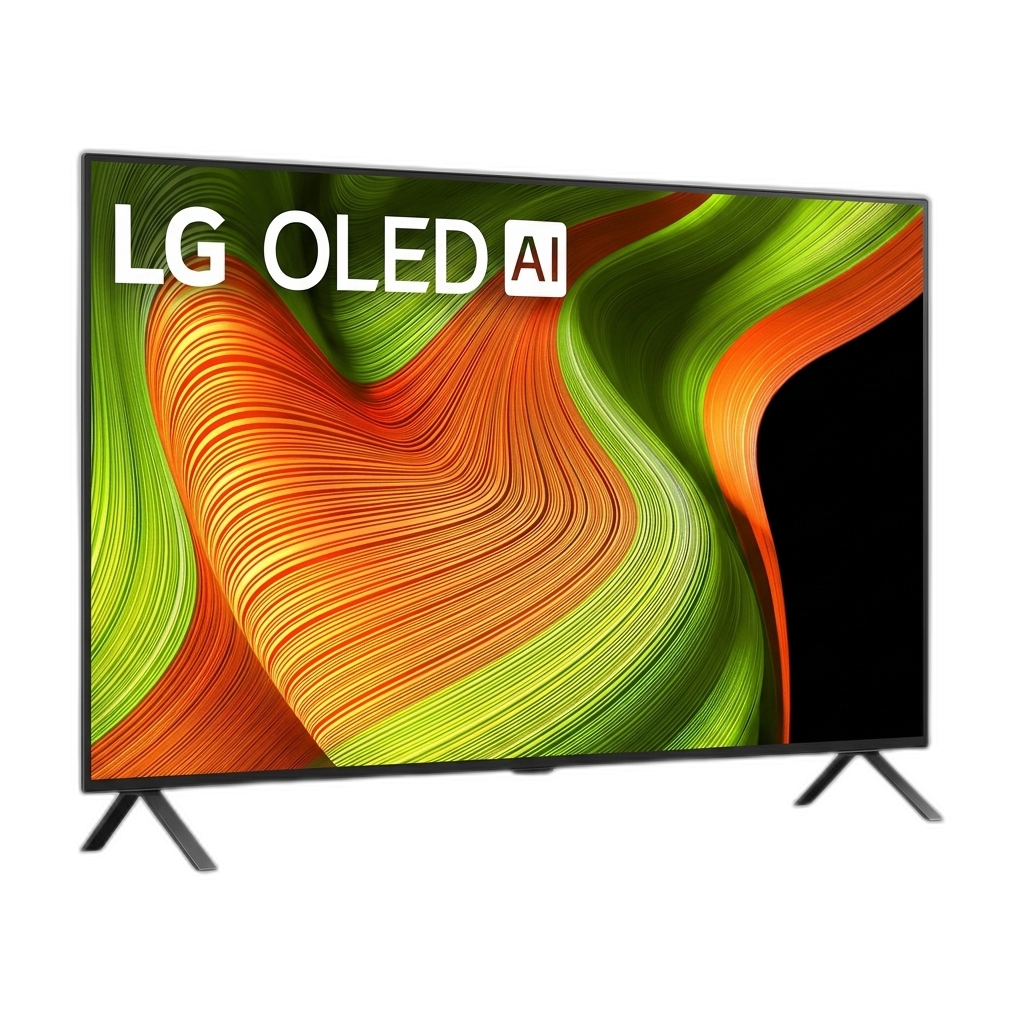
LG B5 55" OLED
Pros
- Perfect blacks and infinite contrast at the lowest OLED price
- 120Hz with HDMI 2.1, G-Sync, and FreeSync
- Dolby Vision and Dolby Atmos support
Cons
- Noticeably dimmer than C5 or G5 — especially in HDR
- Older Alpha 8 processor vs Alpha 9 in C5
- 55-inch only practical size at this price point
The B5 exists to answer one question: what's the cheapest way to get a real OLED experience? About $899, down from an original MSRP of $1,499. At that price, you get the same self-emissive panel technology that produces perfect blacks and infinite contrast. That's the fundamental advantage of OLED over any LED or Mini-LED display, and the B5 delivers it.
The trade-offs are predictable. The Alpha 8 Gen2 processor is a step below the C5's Alpha 9, so upscaling and AI noise reduction aren't quite as sharp. The standard WOLED panel (no Brightness Booster) peaks around 600-700 nits in HDR, roughly 30-40% dimmer than the C5. You'll notice that gap in bright rooms and with punchy HDR content. In a dark or moderately lit space, though, the B5 still delivers a better picture than any LED TV at this price.
Gaming essentials are covered: 120Hz, HDMI 2.1, G-Sync, FreeSync Premium, VRR. Dolby Vision and Dolby Atmos are both here, which already gives it an edge over every Samsung OLED on HDR format support. For a bedroom TV or a first OLED for someone coming from LCD, this is the one that converts people.
Buy it if: You want OLED picture quality at the lowest possible price and watch mostly in a dim or dark room.
Skip it if: Your room is very bright, or you want more impactful HDR highlights. Spend the extra $500 for the C5.
LG C5 42" — Best Small OLED (Desk / Bedroom)
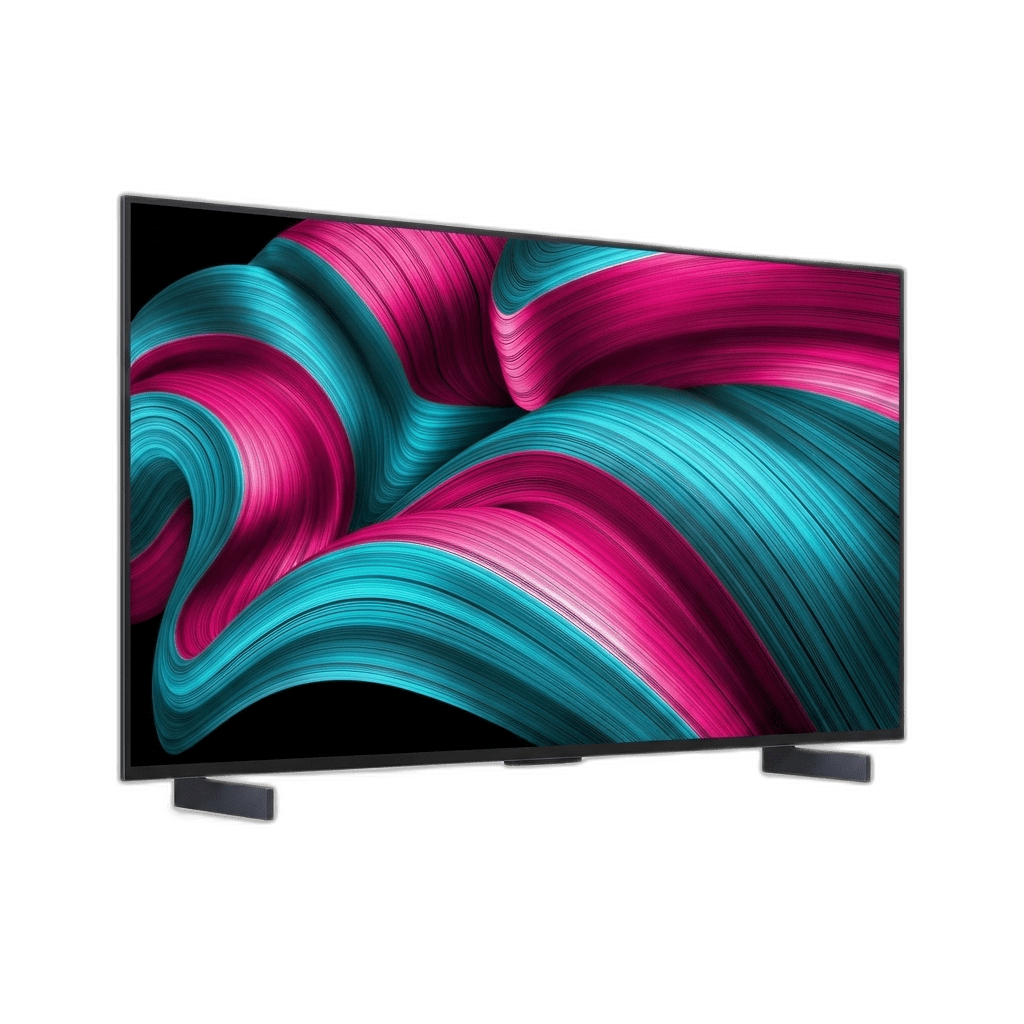
LG C5 42" OLED evo
Pros
- Perfect 42-inch size for desks and bedrooms
- Full C5 feature set — 144Hz, HDMI 2.1, Dolby Vision
- Works brilliantly as a high-end PC monitor replacement
Cons
- No Brightness Booster at 42-inch — dimmer than 55"+ models
- Pricey for its size compared to dedicated monitors
- OLED burn-in risk is higher with desktop use (taskbars, icons)
The 42-inch C5 takes everything that makes the 65-inch version our top pick, the a9 Gen8 processor, 4 HDMI 2.1 ports, 144Hz VRR boost, Dolby Vision gaming, and shrinks it into a form factor that fits on a desk or in a compact bedroom. It's become very popular as a high-end PC monitor replacement, and for good reason: no dedicated gaming monitor at any price can match the contrast and motion clarity of a 42-inch OLED panel.
One hardware difference worth knowing: the 42-inch and 48-inch models don't include LG's Brightness Booster technology found in the 55-inch and larger sizes. In practice, that means lower peak brightness. But because you're sitting much closer to a desk-mounted 42-inch display than you would to a living room TV, the brightness rarely feels like a limitation. The pixels are closer to your eyes and the image fills more of your field of view.
If you plan to use this as a permanent desktop display, take burn-in precautions: set your taskbar to auto-hide, use a dark mode theme, and let the TV run its built-in pixel-refresh cycle by powering it off with the remote rather than cutting power at the wall.
Buy it if: You want the best picture quality for a desk setup, bedroom, or small room.
Skip it if: You do a lot of office productivity work with static windows. A dedicated monitor with higher pixel density and no burn-in concern is more practical.
LG C5 65" — Best Sweet Spot

LG C5 65" OLED evo
Pros
- Perfect blacks with infinite contrast ratio
- 4 HDMI 2.1 ports with 144Hz gaming support
- Dolby Vision, HDR10 Pro, and Filmmaker Mode
Cons
- Not as bright as the G5 or Samsung S95F
- Still carries some OLED burn-in risk with static content
- webOS ads are increasingly intrusive
While the G5 takes the crown for absolute performance, the C5 is the sweet spot and the smartest buy for most people. Its WOLED evo panel with Brightness Booster pushes peak HDR brightness into the 1,000-nit range, a big jump over last year's C4. That's bright enough to cut through most ambient light while keeping the infinite contrast ratio that makes OLED worth buying in the first place.
Where the C5 pulls ahead is connectivity. Four full-bandwidth HDMI 2.1 ports let you plug in a PS5, Xbox, gaming PC, and Blu-ray player at the same time without swapping cables. The panel runs at 120Hz native with a 144Hz VRR boost for PC, and the 0.1ms response time makes motion blur a non-issue. It also supports Dolby Vision gaming, which Samsung still can't match.
The a9 Gen8 processor handles AI upscaling and noise reduction well enough that even compressed streaming content looks clean. It's not the brightest OLED here. The G5 and S95F both beat it on raw luminance. But for the price, nothing else packs this many features into one box.
Buy it if: You want premium OLED performance without paying the G5's flagship price.
Skip it if: Your room gets direct sunlight on the screen. You have the budget for the G5, or if your room gets direct sunlight, in which case the S95F is better.
Sony Bravia 8 II 65" — Best for Movies & Cinephiles

Sony Bravia 8 II 65"
Pros
- Best-in-class motion handling and upscaling
- Acoustic Surface Audio+ turns the screen into a speaker
- Exclusive PS5 integration features (Auto HDR Tone Mapping)
Cons
- 120Hz max — no 144Hz or 165Hz boost mode
- Fewer HDMI 2.1 ports than LG (2 vs 4)
- Higher price than LG C5 for fewer gaming features
Sony doesn't win the spec-sheet competition. The Bravia 8 II tops out at 120Hz (no 144Hz or 165Hz boost), ships with only 2 HDMI 2.1 ports instead of LG's 4, and costs more than the C5 while offering fewer gaming features on paper. None of that matters if how a movie looks is your top priority.
The XR Processor is the best image processing silicon in the TV business. Its AI scene recognition handles upscaling, motion interpolation, and color grading with a subtlety that LG and Samsung's chips can't match. Low-resolution streaming content looks cleaner. 24fps film content plays with natural motion that avoids both judder and the soap opera effect. If you care about cinematic intent and color accuracy, Sony's processing is why professionals calibrate their reference monitors around it.
The Acoustic Surface Audio+ feature is worth mentioning. Actuators vibrate the screen itself to produce sound, creating spatial audio where dialogue seems to come from the characters' mouths. It doesn't replace a soundbar or surround system, but it's the best built-in TV audio on this list by a wide margin. PS5 owners also get exclusive features like Auto HDR Tone Mapping and Auto Genre Picture Mode.
Buy it if: You care about motion handling, upscaling quality, and cinematic accuracy more than refresh rate numbers. Also the best pick for PlayStation 5 owners.
Skip it if: You're a multi-console or PC gamer who needs 4+ HDMI 2.1 ports and 144Hz+ support.
OLED Panel Types: What Actually Matters
Before you pick a TV, you need to understand the three OLED flavors on the market right now. This is the single biggest factor in how your TV will look.
- WOLED (LG B5, C5): White OLED subpixels with color filters. This is the proven, reliable technology. Great all-around contrast and color accuracy, but lower peak brightness than the newer options. Most people should start here.
- QD-OLED (Samsung S90F, S95F, Sony Bravia 8 II): A quantum dot layer sits over blue OLED emitters, producing wider color volume and higher brightness without giving up contrast. Colors pop more, especially in HDR. The trade-off: Samsung models skip Dolby Vision entirely.
- Tandem OLED (LG G5): Two stacked OLED emission layers instead of one. This roughly doubles brightness output while improving panel longevity (each layer works less hard). It's the best OLED technology available, and it's priced accordingly.
Burn-in: Yes, it's still technically possible. No, it shouldn't stop you from buying an OLED in 2026. Modern panels have pixel-shift, logo dimming, and automatic brightness limiters that make burn-in a non-issue for normal viewing. Run a screensaver, don't leave CNN on for 12 hours, and you'll be fine.
Dolby Vision vs HDR10+: If you use Netflix, Disney+, or Apple TV+, Dolby Vision matters. Those platforms default to DV when it's available, and it produces noticeably better dynamic range. Samsung TVs only support HDR10+, which has less content. This is the single biggest reason some buyers avoid Samsung despite their panel quality.
The Uncomfortable Truth About Smart TV Ads
In 2026, every major TV manufacturer subsidizes the cost of the hardware by serving ads on the home screen. There is no such thing as a completely ad-free premium TV out of the box. But you don't have to live with it.
The Hardware Fix: The cleanest solution is simply to never connect the TV to Wi-Fi. Buy a dedicated streaming box like an Apple TV 4K or an Nvidia Shield, plug it in, and use that as your interface. It's faster, has better privacy, and completely bypasses the TV's built-in ads.
If you prefer using the TV's built-in software, here is how to kill the worst of the ads on each platform:
- LG (webOS): Go to Settings > General > System > Additional Settings > Home Settings and turn off "Home Promotion" and "Content Recommendations."
- Samsung (Tizen): Go to Settings > General > Privacy Terms and disable "Interest-Based Advertisements." Also, look for "Viewing Information Services" and turn it off. To stop the menu from aggressively popping up, disable the auto-run Smart Hub.
- Sony (Google TV): The easiest fix. Go into your Home Screen settings and turn on "Apps Only Mode." This strips away all the algorithmic recommendations and trailers, leaving a clean grid of your apps.
The Nuclear Option: Advanced users can change their TV's DNS server to an ad-blocking DNS (like AdGuard at 94.140.14.14). This kills tracking at the network level, though it can occasionally break some streaming apps if they aggressively block ad-blockers.
Which One Should You Buy?
- Best all-around TV: The LG G5 65". Its Tandem OLED panel and insane brightness make it the undisputed king right now.
- Bright room: The Samsung S95F. The anti-glare coating isn't marketing fluff. It solves OLED's biggest weakness.
- Dedicated home theater: The LG G5. The tandem panel brightness is a tangible upgrade you'll notice on every piece of HDR content.
- Flagship quality at a discount: The Samsung S90F. Samsung has slashed prices so hard that this QD-OLED is priced like a standard OLED.
- Film and cinematic accuracy: The Sony Bravia 8 II. Nobody processes a 24fps movie signal better than Sony.
- Tight budget: The LG B5 55". The cheapest OLED that still delivers the core experience.
- Small screen for a desk or bedroom: The LG C5 42". Nothing else at this size comes close.
- Biggest screen without G5 pricing: The LG C5 77". 90% of the G5 for 60% of the cost.
Product Comparison at a Glance
| Product | Brand | Size | Panel Tech | Refresh Rate | HDR Format | Best For | Action |
|---|---|---|---|---|---|---|---|
#1LG G5 65" OLED evo Gallery | LG | 65" | Tandem OLED | 165Hz | Dolby Vision + HDR10 Pro | Home Theater | |
#2Samsung S95F 65" QD-OLED | Samsung | 65" | QD-OLED | 165Hz | HDR10+ only | Bright Rooms | |
#3LG C5 65" OLED evo | LG | 65" | WOLED evo | 144Hz | Dolby Vision + HDR10 Pro | Most Households | |
#4Samsung S90F 65" QD-OLED | Samsung | 65" | QD-OLED | 144Hz | HDR10+ only | Value Seekers | |
#5Sony Bravia 8 II 65" | Sony | 65" | QD-OLED | 120Hz | Dolby Vision + HDR10 | Movies & PS5 | |
#6LG B5 55" OLED | LG | 55" | WOLED | 120Hz | Dolby Vision + HDR10 Pro | Budget Buyers | |
#7LG C5 42" OLED evo | LG | 42" | WOLED evo | 144Hz | Dolby Vision + HDR10 Pro | Desk / Bedroom | |
#8LG C5 77" OLED evo | LG | 77" | WOLED evo | 144Hz | Dolby Vision + HDR10 Pro | Large Living Rooms |