Products Mentioned in this Review
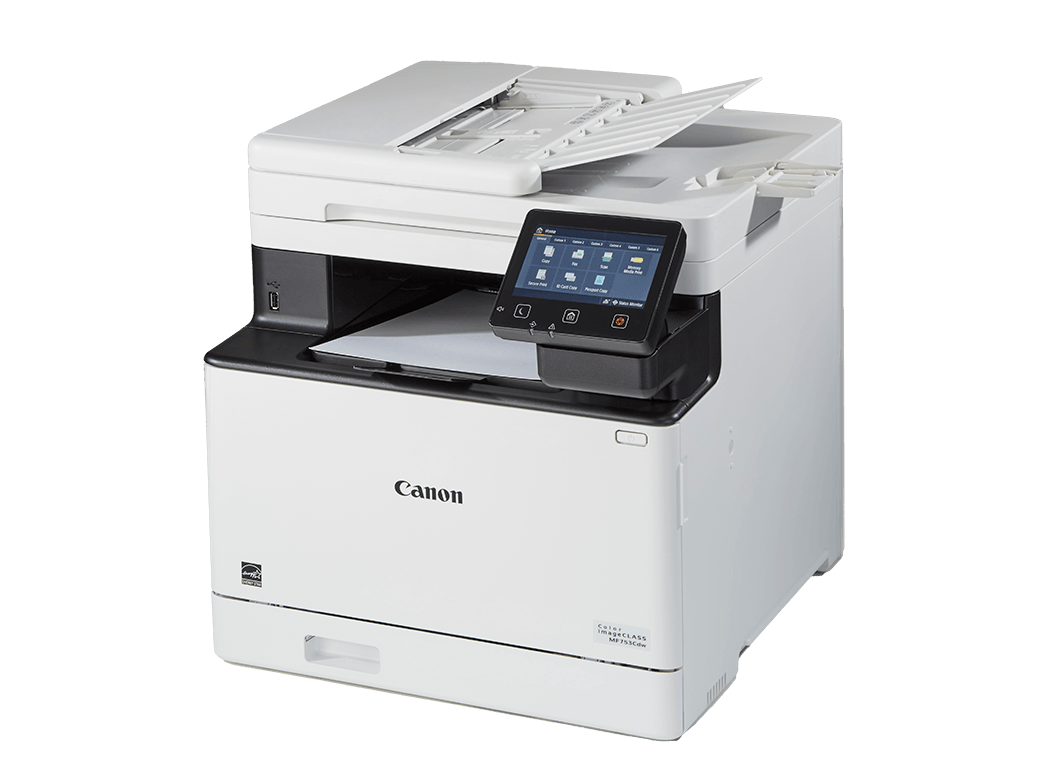
Canon Color imageCLASS MF753Cdw II
Canon Color imageCLASS MF665Cdw
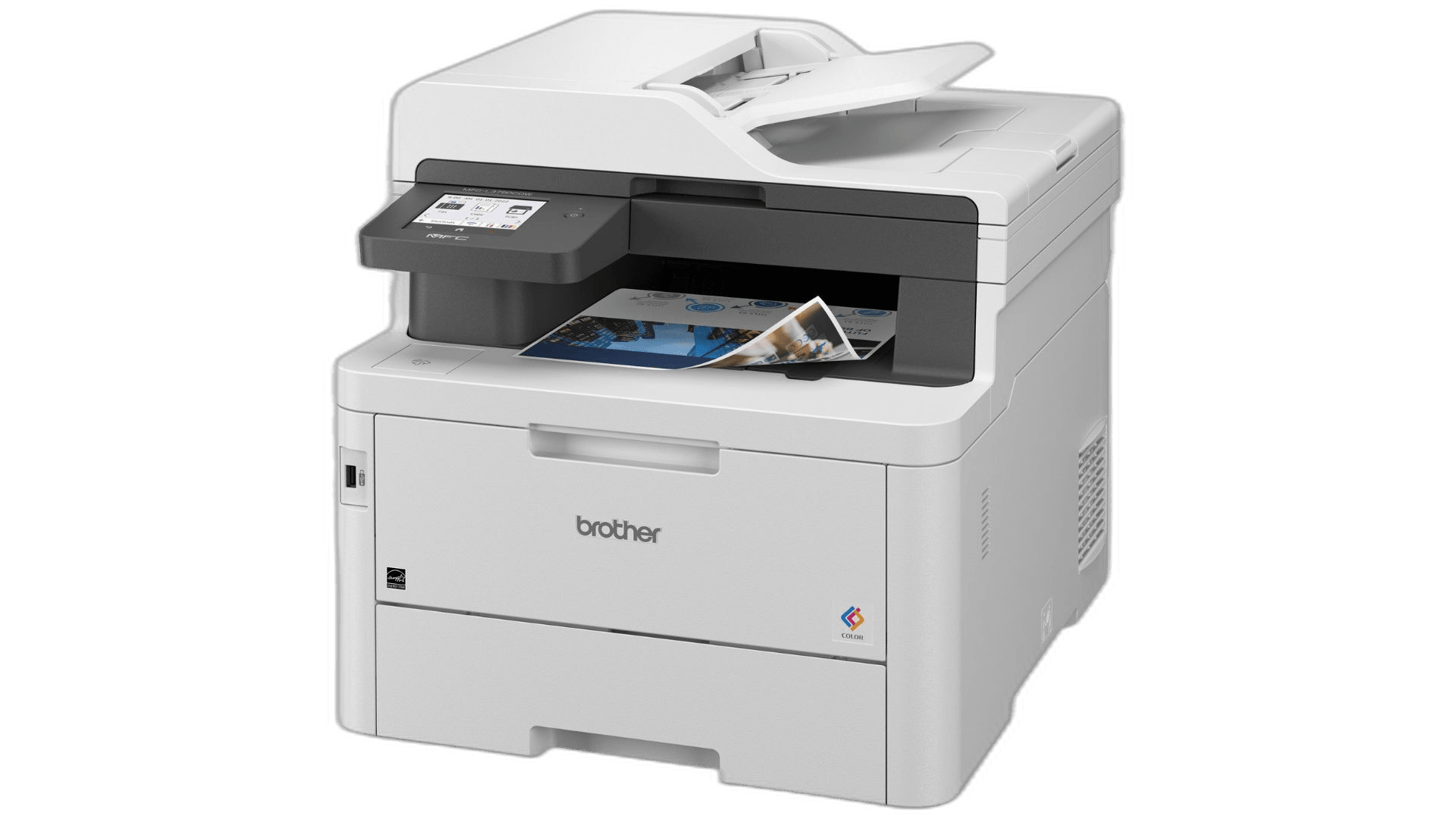
Brother MFC-L3780CDW
Brother HL-L8260CDW
Introduction
If your inkjet printer refuses to work because the magenta cartridge is "empty" or the printhead dried out, you need a "Buy It For Life" (BIFL) laser printer. Laser printers use dry powder that never dries out. They work perfectly even if you ignore them for six months.
Today, simply printing over a Wi-Fi network exposes your device to software deprecation and hostile firmware updates. Manufacturers aggressively push Digital Rights Management (DRM) updates to break your printer if it detects third-party toner cartridges. The consensus in the r/BuyItForLife community is to rely on network isolation. Keep the printer off your Wi-Fi so it never downloads a malicious update.
To make an off-the-grid printer usable, you need a dedicated USB Host port. You can walk up, plug in a flash drive, and print PDFs and JPEGs natively using the printer's onboard logic. We identified four color laser printers that support walk-up USB printing and outlast disposable models.
Canon Color imageCLASS MF753Cdw II
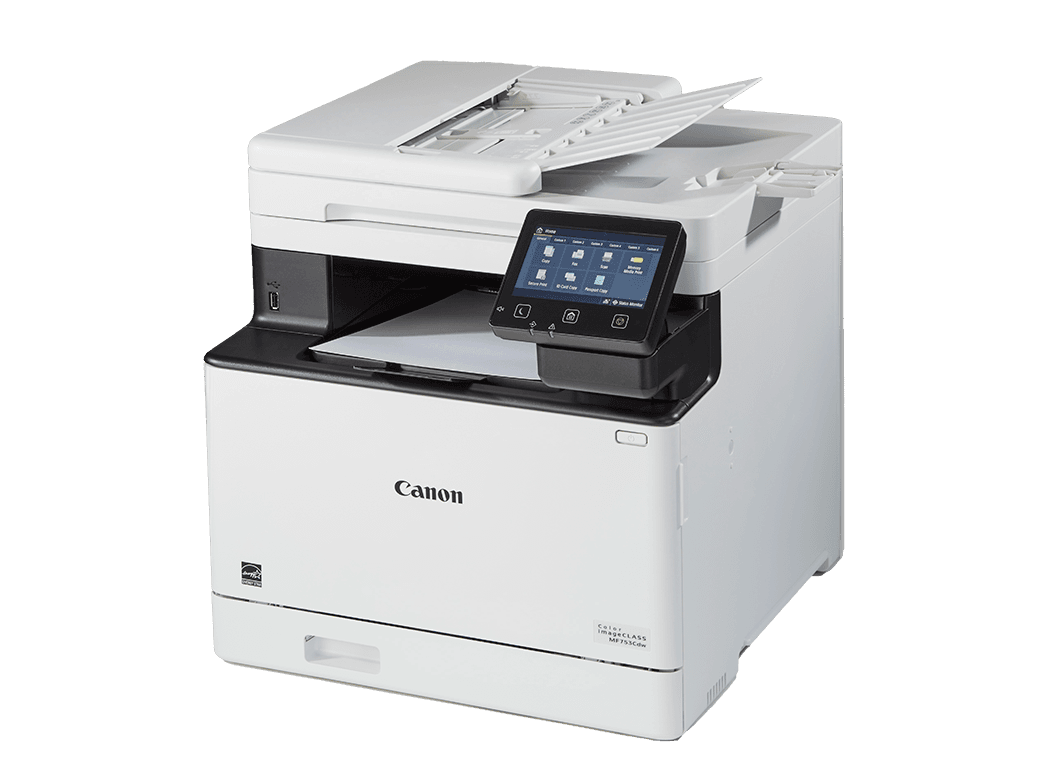
Canon Color imageCLASS MF753Cdw II
Canon’s imageCLASS series rivals Brother’s legacy of durability. The MF753Cdw II is a heavy color multifunction printer that delivers high hardware quality. If you run a small business from home and refuse to deal with paper jams, this machine makes sense.
The USB Direct interface separates the Canon from competitors. The 5-inch color touch panel guides you through a polished offline workflow. You plug in your flash drive, select up to 10 files simultaneously, and adjust paper sourcing or duplexing right on the screen. The printer packs 1GB of onboard RAM to natively render complex PDFs, JPEGs, and TIFFs without relying on a connected PC.
The scanning hardware features a single-pass duplex automatic document feeder. Instead of mechanically flipping a piece of paper to scan both sides, it uses two separate sensors to scan both sides of the page simultaneously as it feeds through a single path. This reduces mechanical wear and extends the life of the scanner.
Buy it if: You need a complete all-in-one hub that produces high-resolution color accuracy. You want an intuitive touchscreen interface for navigating a USB flash drive.
Skip it if: You print in low volumes and care about consumable prices. Canon utilizes an all-in-one cartridge system that forces you to discard the drum every time the toner runs out.
Canon Color imageCLASS MF665Cdw
Canon Color imageCLASS MF665Cdw
If the massive footprint and premium price of the MF750-series feel excessive, the Canon Color imageCLASS MF665Cdw offers the exact same interface in a more manageable package. It fits standard hybrid work environments where you need uncompromised reliability but aren't churning through reams of paper weekly.
Canon kept the critical walk-up printing features to lower the price. The MF665Cdw features the same 5-inch color touch LCD and 1GB of onboard RAM as its larger sibling. You walk up with a thumb drive containing PDF contracts or JPEG photos, and the machine parses and prints them natively without stuttering.
It operates at a maximum speed of 26 pages per minute, retaining the professional 1200 x 1200 dpi print resolution. It also retains the single-pass duplex scanning technology in its 50-sheet ADF to ensure the mechanical components of the scanner undergo minimal wear.
Buy it if: You want the Canon touchscreen interface and native PDF decoding of the premium models in a compact chassis. You value dropping in a single cartridge that replaces both the toner and the drum simultaneously.
Skip it if: You print massive volumes daily. Its recommended monthly print volume and paper capacities fit standard home-office use rather than corporate deployment.
Brother MFC-L3780CDW
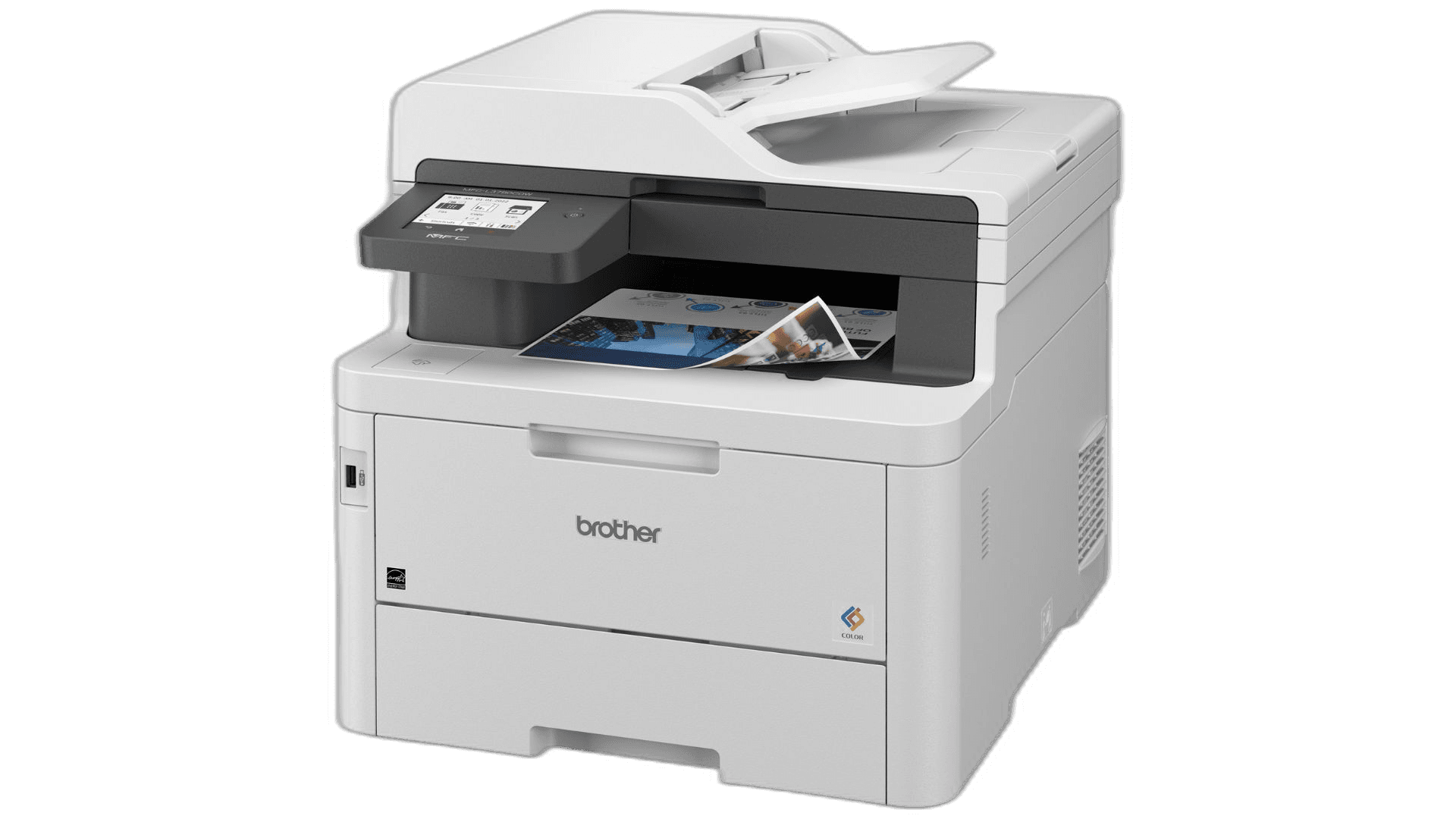
Brother MFC-L3780CDW
If you want the reliability of dry toner but worry about the mechanical complexity of traditional laser printers, the Brother MFC-L3780CDW offers a technological workaround. As a "Digital Color LED" printer, it melts dry toner powder onto the page using a stationary array of microscopic LEDs instead of a spinning polygonal mirror and a single laser.
Because the LED array is entirely stationary, the chassis holds fewer moving mechanical parts compared to a traditional laser setup. Fewer moving parts lower the probability of mechanical failure from vibration or wear over a decade. It retains a dedicated front USB host port for direct walk-up printing and scanning, controlled via a functional 3.5-inch color touchscreen.
We must issue a strong warning. The MFC-L3780CDW uses Brother's newer TN229 toner ecosystem. This line possesses enhanced DRM capabilities baked into the toner chips. Keeping the printer offline via USB is the best defense. You must know that sourcing affordable third-party generic toner for this architecture involves a constant battle against Brother's anti-consumer lock-ins.
Buy it if: You want the mechanical reliability of an LED print engine. You need full all-in-one capabilities and walk-up USB functionality in a compact size.
Skip it if: You refuse to play the DRM game with printer manufacturers.
Brother HL-L8260CDW
Brother HL-L8260CDW
Color laser printers possess more moving parts than monochrome machines, requiring four separate toner cartridges and complex transfer belt assemblies. Finding one that maintains old-school BIFL reliability poses a challenge, but the Brother HL-L8260CDW manages to strike a balance. As a single-function machine, it lacks a scanner, copier, or fax. Fewer subsystems equate to fewer points of failure. A single-function machine is mathematically more likely to survive a decade than a complex all-in-one.
This model features a front-facing USB Direct Interface for convenient walk-up printing. The HL-L8260CDW utilizes a simple 2-line backlit LCD display and a physical directional keypad. While it requires a few more button presses to navigate a dense folder structure on your flash drive, physical buttons represent significantly fewer electronic failure points than capacitive touchscreens.
Crucially, the HL-L8260CDW relies on an older TN-431/TN-433 toner architecture. Because it predates the most aggressive iterations of Brother's DRM, the third-party market for these cartridges is vast, stable, and highly affordable. You may have trouble finding it in stock everywhere.
Buy it if: You need fast color printing but do not want to maintain scanning hardware. You appreciate the tactile reliability of physical buttons and want to use an older toner platform that accepts cheap third-party cartridges.
Skip it if: You require a scanner or copier. You need to preview multi-page PDFs directly on the printer before committing them to paper.
The 2026 BIFL Printer Survival Strategy
The enthusiasm surrounding laser printers faced a significant hurdle over the last few years. Major manufacturers began pushing aggressive firmware updates containing Digital Rights Management software. These updates often served a single purpose: to break the printer if it detected affordable third-party generic toner cartridges, forcing the user to buy expensive OEM replacements.
If you buy a printer for life in 2026, you cannot allow a manufacturer to dictate your hardware's functionality via a forced internet update. The community consensus remains clear. Network isolation acts as your only defense.
This explains why the USB Direct Printing ports on the four models above are crucial. By refusing to connect these printers to your Wi-Fi network and relying exclusively on a physical USB cable or a flash drive plugged directly into the front port, you ensure the printer never downloads a malicious DRM update.
Product Comparison at a Glance
| Product | Brand | Print Speed | USB Interface | Toner DRM Risk | Function | Action |
|---|---|---|---|---|---|---|
#1Canon Color imageCLASS MF753Cdw II | Canon | 35 ppm | 5-inch Touchscreen | High | All-in-One (Print/Scan/Copy/Fax) | |
#2Canon Color imageCLASS MF665Cdw | Canon | 26 ppm | 5-inch Touchscreen | High | All-in-One (Print/Scan/Copy/Fax) | |
#3Brother MFC-L3780CDW | Brother | 31 ppm | 3.5-inch Touchscreen | Very High | All-in-One (Print/Scan/Copy/Fax) | |
#4Brother HL-L8260CDW | Brother | 33 ppm | 2-line LCD Keyboard | Low | Print Only |