Affiliate Disclosure: The Warranted Choices is reader-supported. When you buy through links on our site, we may earn an affiliate commission at no extra cost to you. Learn more.
Products Mentioned in this Review
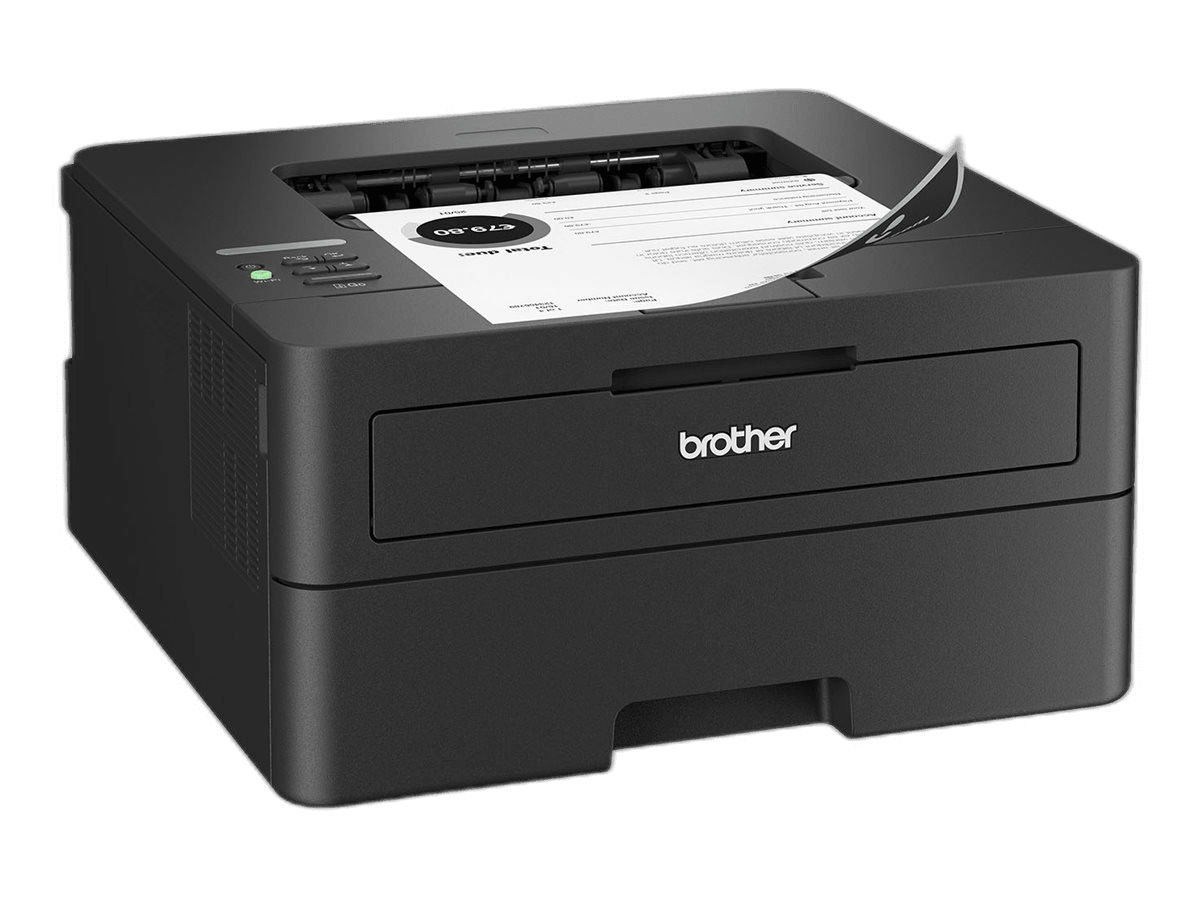
Brother HL-L2460DW
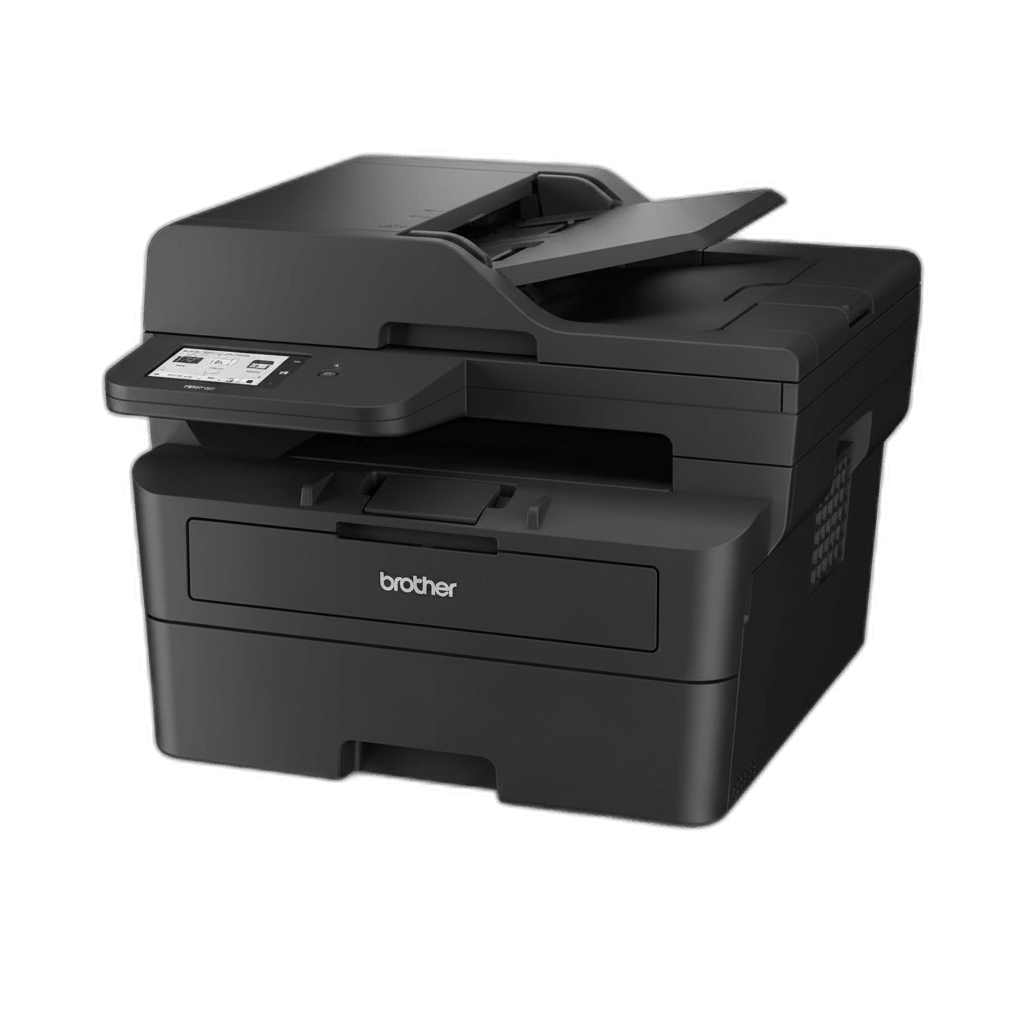
Brother MFC-L2900DW
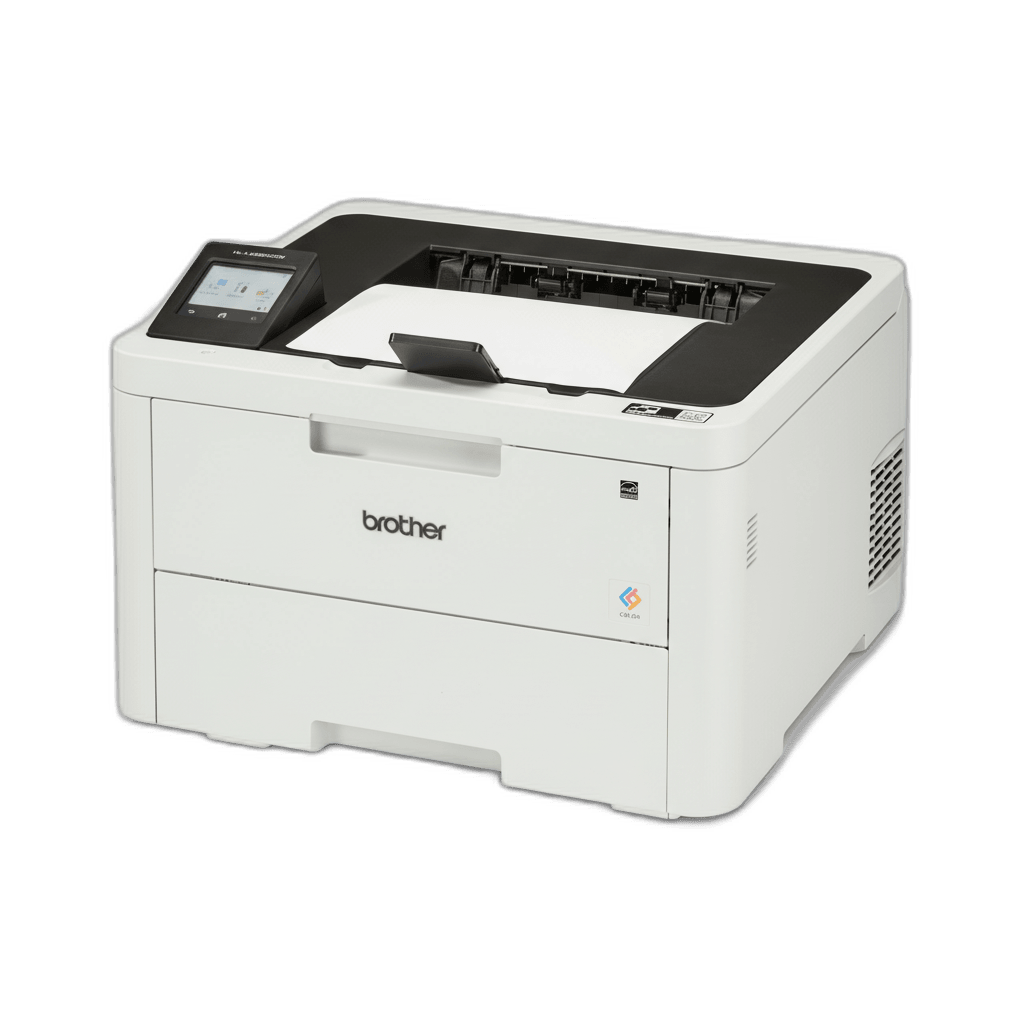
Brother HL-L3280CDW
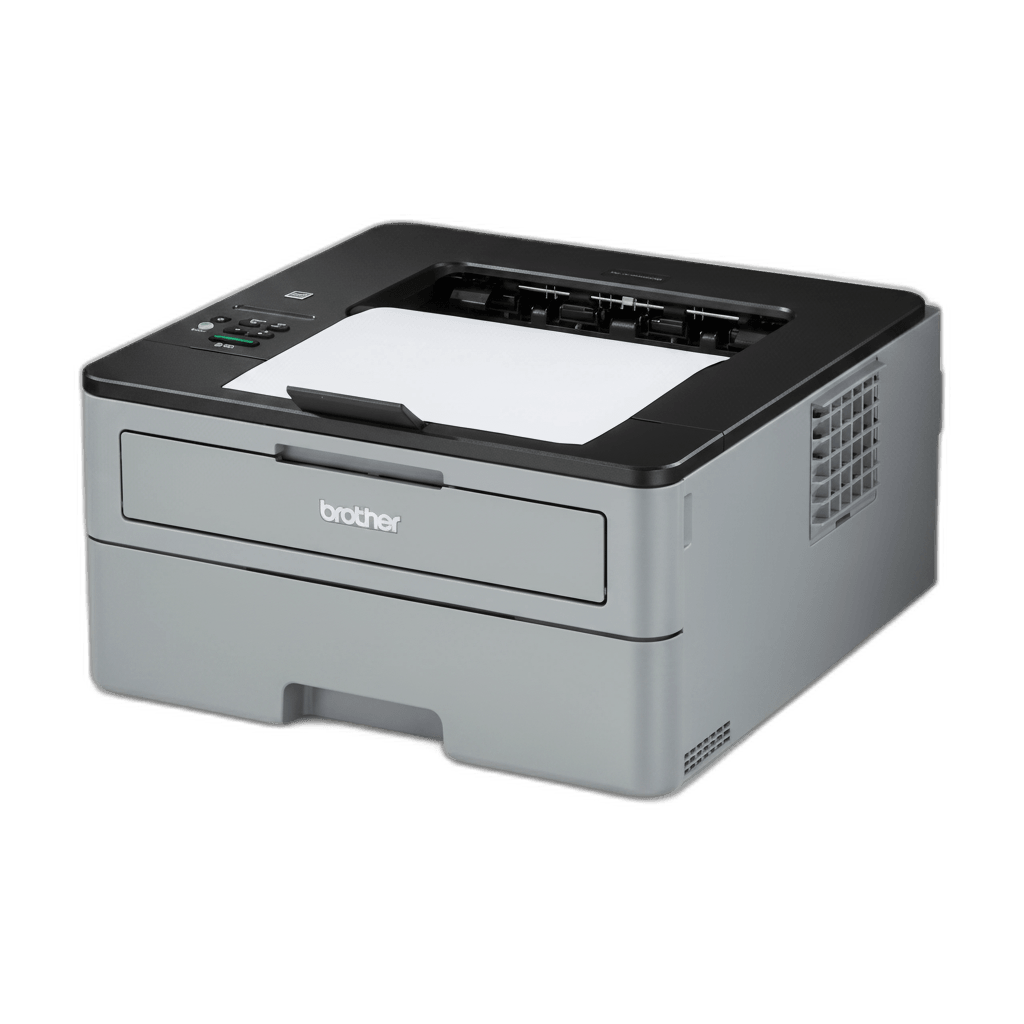
Brother HL-L2325DW
Most people buy the wrong printer because they focus on the sticker price, not what it actually costs to own one.
After extensive research, we found five laser printers that deliver reliability, low running costs, and real-world performance
for home users.
Why Most People Buy the Wrong Printer
Most people buy the wrong printer because they focus on the sticker price, not what it actually costs to own one.
Then they wonder why their $80 printer jams constantly, disconnects from Wi-Fi, or costs $60 to replace a toner cartridge that
dies after 500 pages.We tested and cross-referenced the top laser printers for home use, focusing on reliability, running costs,
and real-world performance—not marketing specs. After reviewing expert analysis from Wirecutter, RTINGS, and Consumer Reports,
plus hundreds of owner experiences, five models stood out as the best picks for different needs.
How We Chose the Best Home Laser Printers
We analyzed specs from 40+ laser printer models released between 2024-2026, focusing on those available in the
U.S. market with current toner availability. Our research cross-referenced expert reviews from Wirecutter, RTINGS, Consumer
Reports, and CNET, plus hundreds of verified owner reviews from Amazon, Best Buy, and Reddit's r/printers community.We
prioritized reliability over fancy features, running costs over sticker prices, and compact footprints over industrial capacity.
Every model on this list has proven Wi-Fi connectivity, acceptable running costs (under 7¢/page for monochrome), and strong owner
satisfaction ratings.
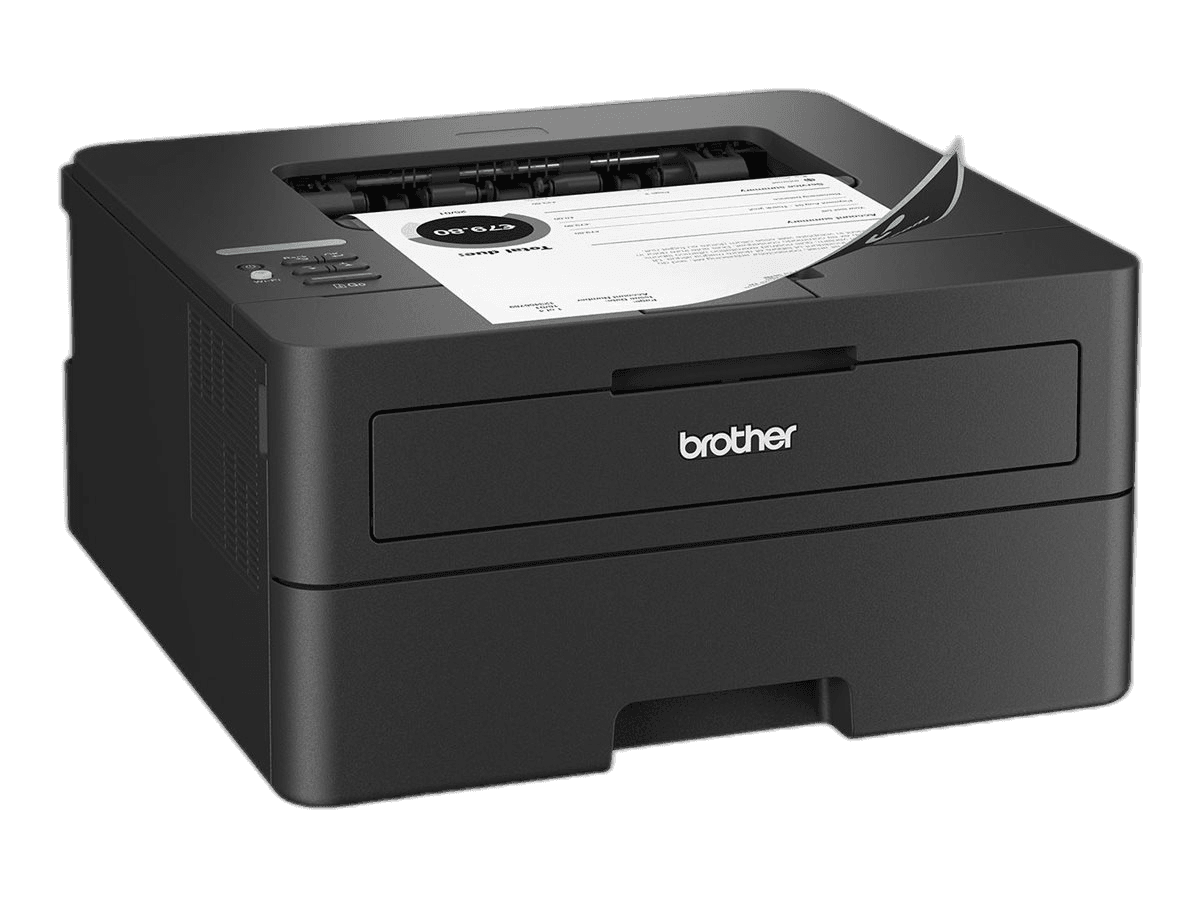
Brother HL-L2460DW — Best Overall
#1
Brother HL-L2460DW
$179.99
Why we picked it: The HL-L2460DW nails the two things that actually matter for home printers: it costs pennies per
page (3.1¢ with high-yield toner) and the Wi-Fi actually stays connected. Brother's print engines are proven workhorses—this
isn't a gamble, it's the safest buy you can make.Who should buy this: Households that print shipping labels, school assignments,
tax documents, and the occasional return label. If you don't need color or scanning, stop here.Who should skip this: Anyone who
needs scanning or copying functionality—get the MFC-L2900DW instead.The one downside: It's print-only with a basic LCD interface,
not a touchscreen.Price: $180
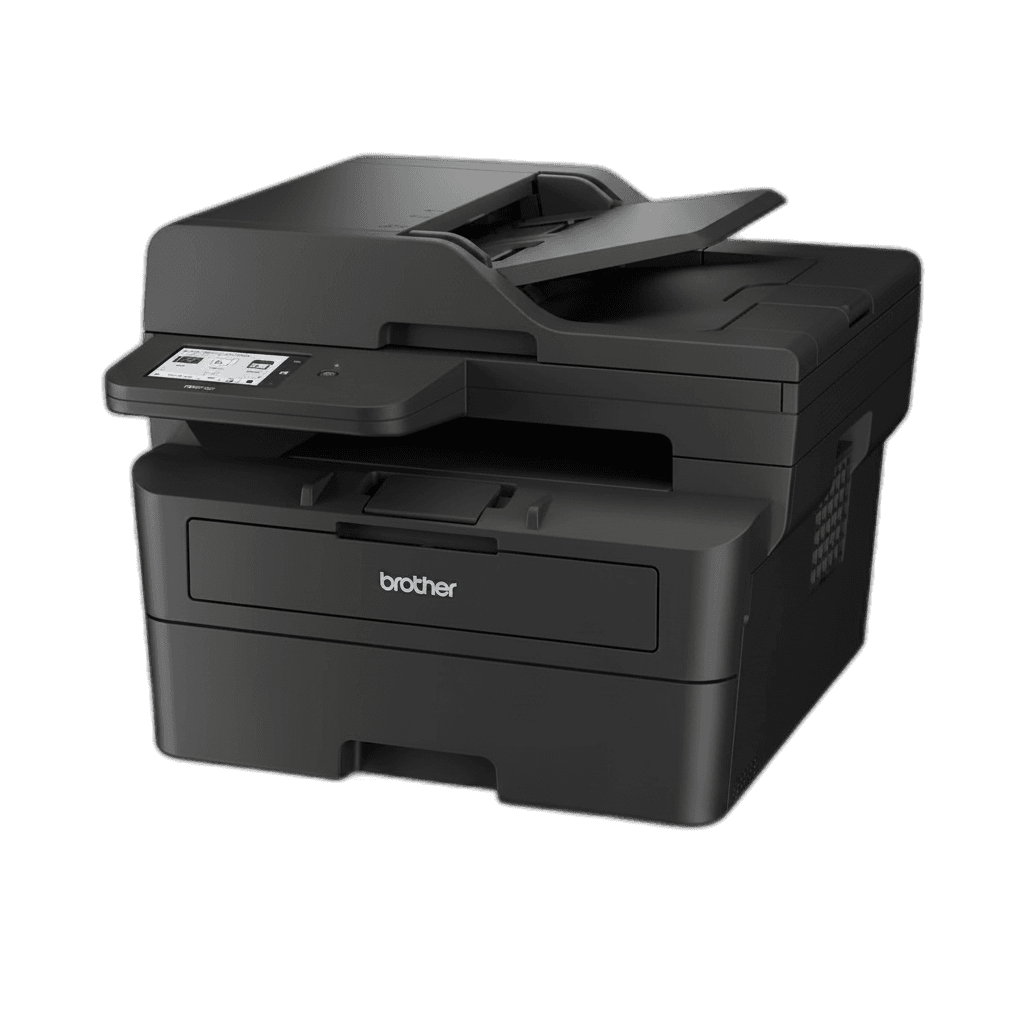
Brother MFC-L2900DW — Best All-in-One
#2
Brother MFC-L2900DW
$329.99
Why we picked it: Takes everything great about the HL-L2460DW and adds a flatbed scanner plus 35-sheet automatic
document feeder. Same 3¢/page running costs, same reliable connectivity, now with scanning and copying built in.Who should buy
this: Home offices that digitize receipts, scan tax documents, or copy IDs and forms more than twice a month.Who should skip
this: Anyone who rarely scans—the $130 premium isn't worth it if your scanner collects dust.The one downside: The ADF is
single-pass, meaning double-sided scans require a second pass and take longer.Price: $315
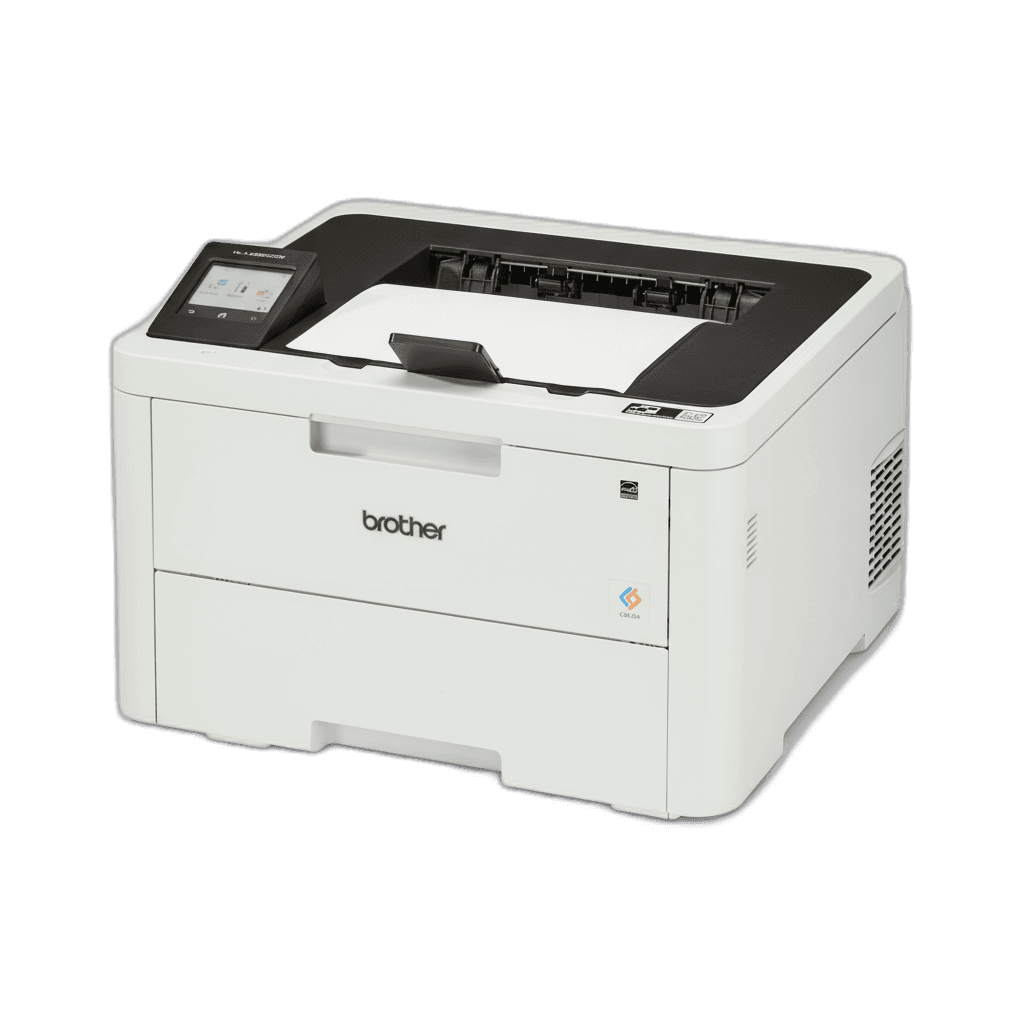
Brother HL-L3280CDW — Best Color
#3
Brother HL-L3280CDW
$344.98
Why we picked it: Color laser printers usually jump to $500+, but the HL-L3280CDW delivers actual color quality at
a reasonable $345. Prints don't look washed out, and the 250-sheet tray means you're not refilling constantly.Who should buy
this: Home businesses printing invoices with logos, parents helping with school presentations, or anyone who genuinely needs
color more than once a month.Who should skip this: Light users who print color less than monthly—you're better off with
monochrome and using a print shop for occasional color needs.The one downside: Color toner costs ~15¢/page versus 3¢ for black.
Set your default to B&W or you'll burn through money.Price: $345
Brother HL-L2325DW — Best Budget
#4
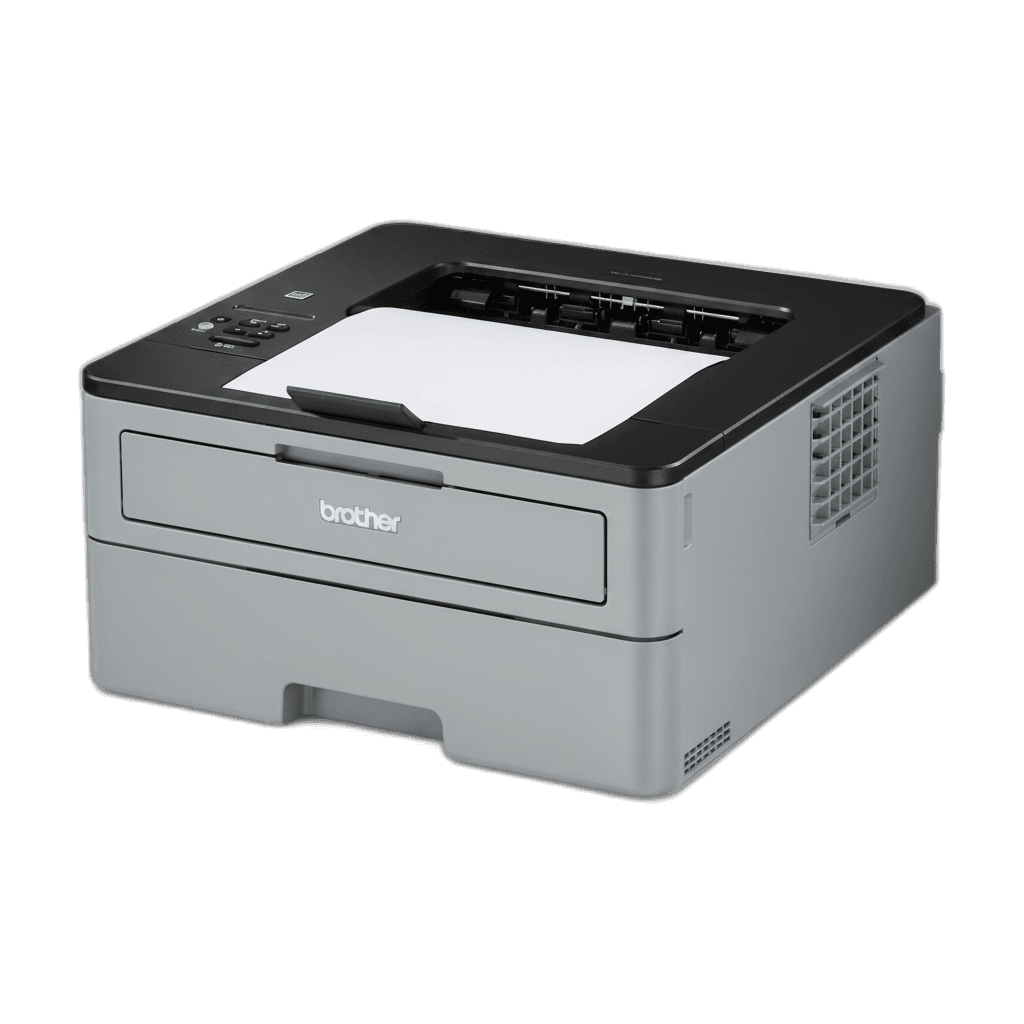
Brother HL-L2325DW
$319.99
Why we picked it: Same print engine as the L2460DW, same 3¢/page running costs, but often $30-50 cheaper during
sales. You're getting identical output quality and reliability for less money if you can find it in stock.Who should buy this:
Budget shoppers who want top-tier reliability without paying for the newer model's slightly nicer interface.Who should skip this:
Anyone who values easy setup—the older Wi-Fi chip can be finicky during initial configuration.The one downside: Brother is
phasing this out, so availability is spotty and stock varies by retailer.Price: $150
How to Choose: What Actually Matters
Cost per page beats sticker price. A $120 printer with 6¢/page toner costs more over time than a $180 model at
3¢/page. Calculate total cost for your expected usage and target 3-5¢/page for monochrome.Be honest about color needs. Most home
users print 95%+ black-and-white. Color adds $200+ upfront and higher per-page costs—only upgrade if you genuinely print graphics
monthly.Match features to actual habits. All-in-one models add ~$100-150 for scanning and copying. Worth it if you digitize
receipts regularly; wasteful if your current scanner collects dust.Connectivity that works. Wi-Fi is non-negotiable in 2026. Look
for AirPrint or Mopria support, and avoid printers requiring cloud accounts or mandatory app signups.Stick with reliable brands.
Brother dominates home laser reliability with proven engines and wide toner availability. Canon's imageCLASS line is a solid
alternative. Avoid budget HP models with toner chips that block third-party cartridges.
The Bottom Line
The Brother HL-L2460DW is the printer 90% of home users should buy—it's reliable, cheap to operate, and compact
enough for any desk corner. You won't go wrong with this pick.Need scanning? Upgrade to the MFC-L2900DW. Absolutely need color?
The HL-L3280CDW delivers without small-business pricing. On a tight budget? The HL-L2325DW offers the same core experience for
less. Don't overthink this—Brother's current generation offers the best combination of low running costs, reliable connectivity,
and compact design for home use.