Products Mentioned in this Review
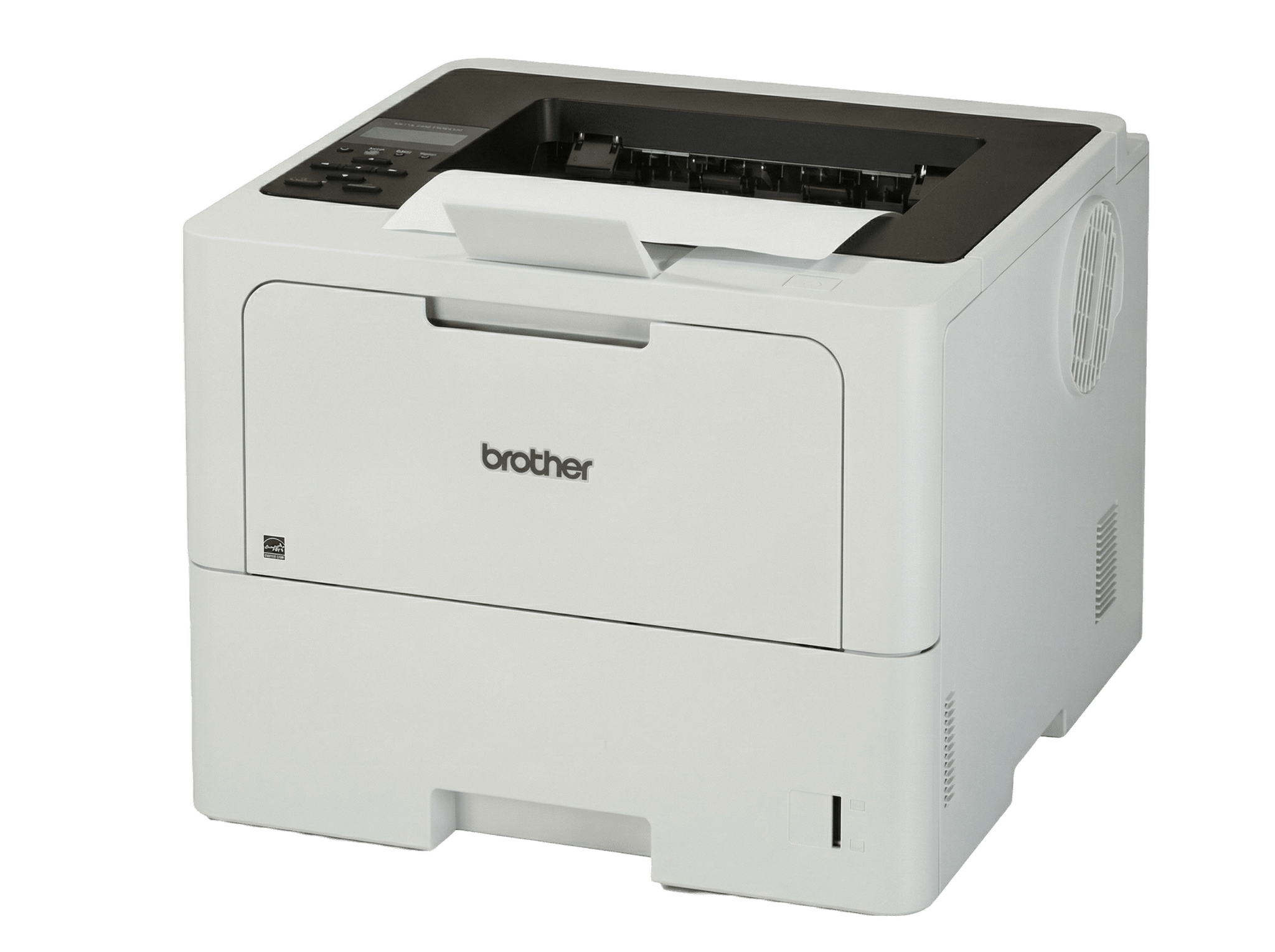
Brother HL-L6210DW
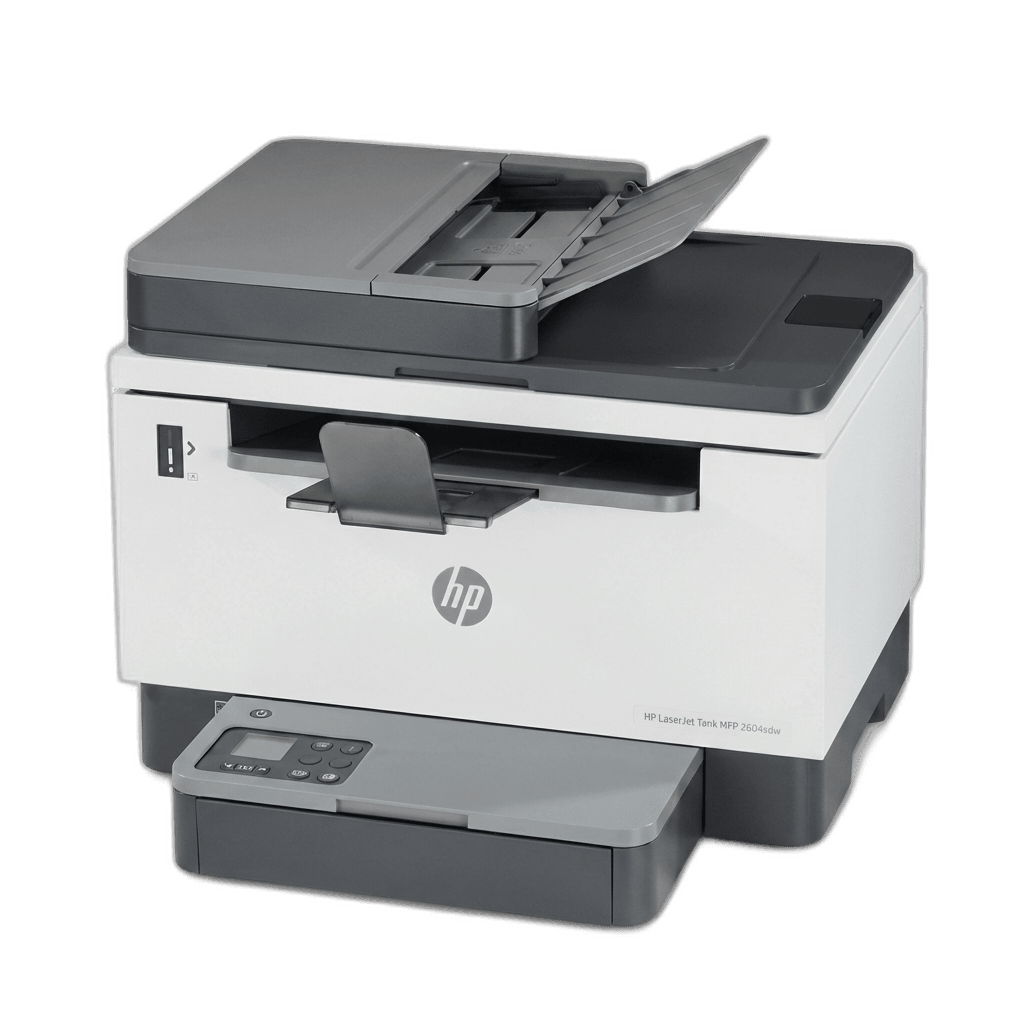
HP LaserJet Tank MFP 2604sdw
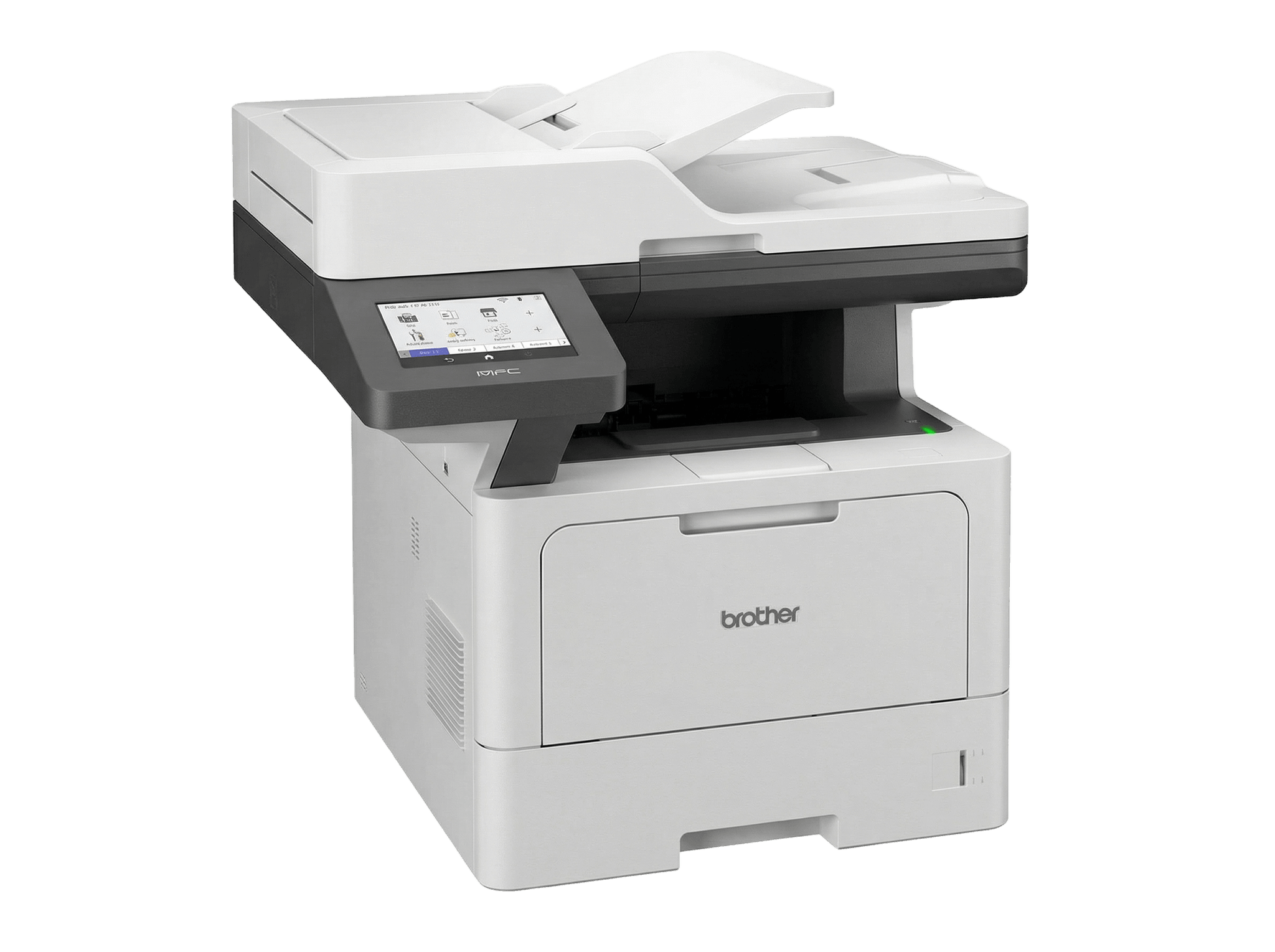
Brother MFC-L5915DW
The Reality of Volume Printing
A lot of roundups ignore the person who actually prints things on a daily basis. Not ten pages a week for a school permission slip or the occasional shipping label, but thousands of pages a month, month after month. If that describes your situation, you've probably learned that a $150 laser printer marketed as "perfect for home offices" will start grinding or outright dying within its first year under real load.
High-volume monochrome printing relies on different metrics. The purchase price of the printer matters less than three other factors: cost per page, mechanical durability under sustained use, and how often you have to reload toner or paper. These are the things that separate a capable tool from an expensive headache.
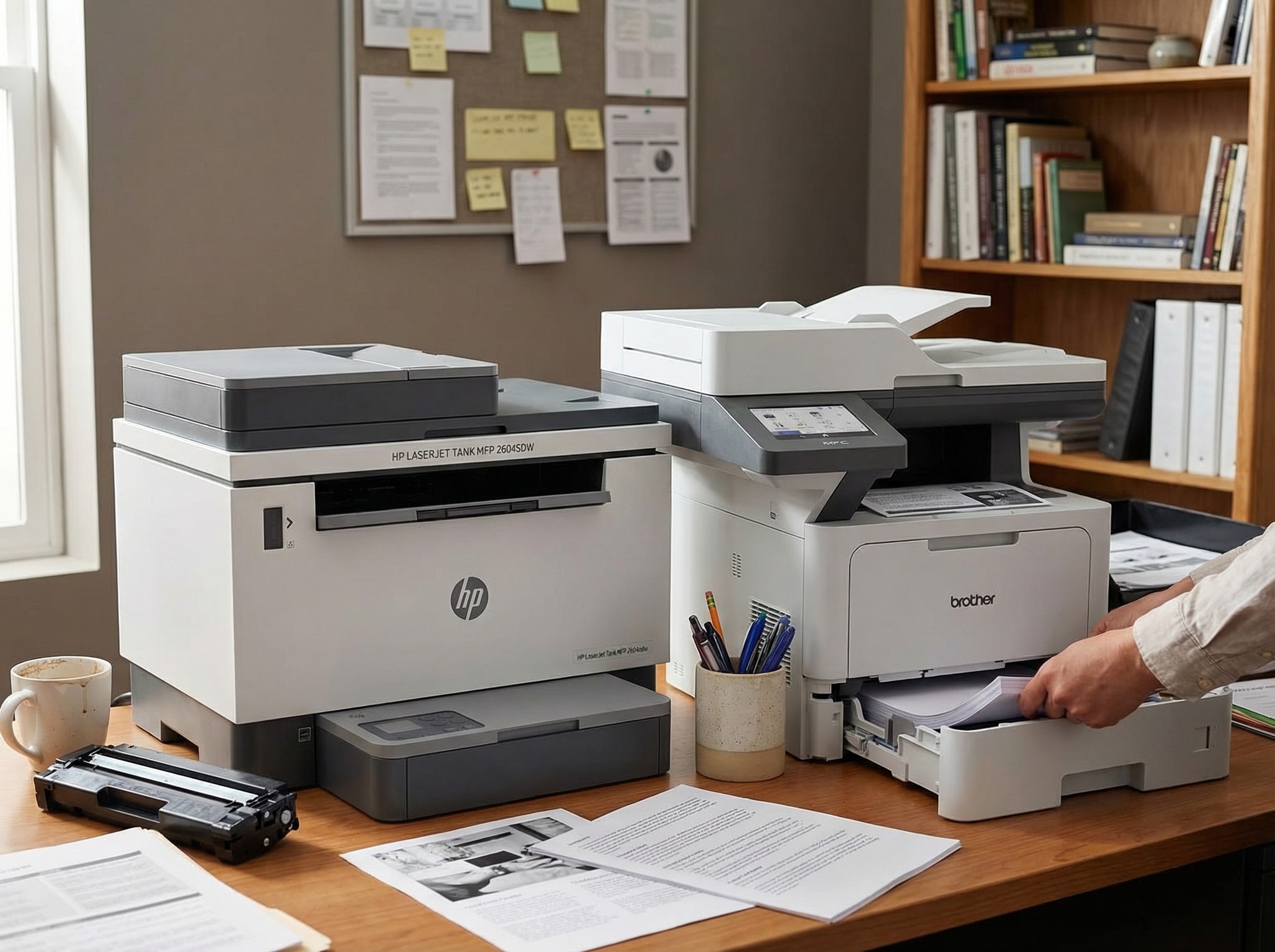
I looked at duty cycles, toner yields, real-world print speeds, and what users on forums and Reddit say when they're actually trying to fix something. Three machines kept showing up in serious conversations about high-volume mono printing: the Brother HL-L6210DW (for raw throughput), the HP LaserJet Tank MFP 2604sdw (for the lowest cost per page), and the Brother MFC-L5915DW (the all-in-one built for workgroups). They handle different budgets and workflows, but they all manage the heavy load.
How we chose these printers
Before getting into the individual picks, it helps to know what manufacturers mean by "high usage."
Every printer has two volume numbers: a maximum monthly duty cycle and a recommended monthly print volume. The duty cycle is the absolute physical limit—the maximum number of pages the hardware can survive in just one month without failing. The recommended volume is what the manufacturer designed it to handle over the long term without accelerated wear. Running a printer near its duty cycle limit regularly is a terrible idea for its lifespan.
For this roundup, we looked for printers with a recommended monthly volume of at least 2,000 pages and a maximum duty cycle above 50,000. We focused on models that support high-yield or ultra-high-yield toner to keep the cost per page low. Third-party toner compatibility was also a factor, since original toner prices can quietly double your annual running cost. Finally, paper capacity and expandability matter, because stopping to reload a standard 250-sheet tray six times a day is annoying.
Brother HL-L6210DW - The Throughput Machine
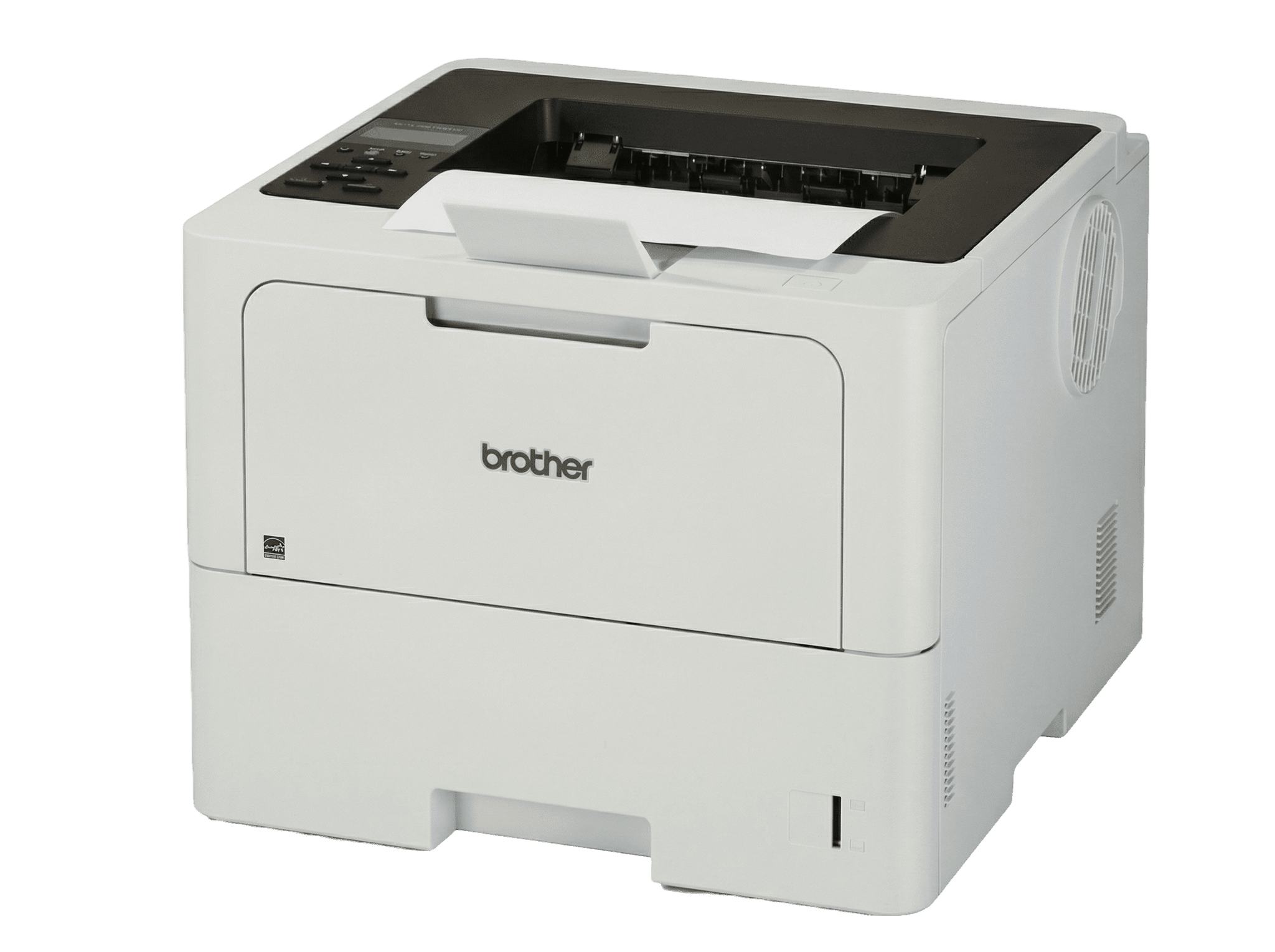
Brother HL-L6210DW
The Use Case
If you just need printed pages fast and cheap, the HL-L6210DW is the simplest choice. This is a print-only machine. By dropping the scanner, copier, and fax components, Brother put the budget into what actually matters for volume printing: a faster engine, a durable paper path, and a toner system that is cheap at scale.
Performance and Economics
It prints at 50 pages per minute in simplex mode. A 20-page report takes about 24 seconds once the first page hits the tray. The maximum monthly duty cycle is 125,000 pages, with a recommended monthly volume of 8,000. That recommended figure means it can easily serve a team of 5 to 15 people printing contracts, invoices, and reports throughout the day.
The toner economics make this model a strong contender. It uses Brother's TN920 cartridge family, ranging from a standard 3,000-page cartridge to the TN920UXXL, an ultra-high-yield cartridge rated for about 18,000 pages. At that yield, the cost per page drops to roughly 1.1 cents. For a printer doing 5,000 pages a month, you're swapping toner roughly every three and a half months instead of every few weeks. That means less downtime and waste.
Paper Handling and Connectivity
The standard configuration provides 620 sheets across a 520-sheet main tray and a 100-sheet multipurpose tray. With optional trays, the total capacity climbs to 1,660 sheets. That expandability is necessary once your daily output pushes past a single ream of paper.
Connectivity includes Gigabit Ethernet, dual-band Wi-Fi, Wi-Fi Direct, and USB 2.0. It supports AirPrint, Mopria, and Brother's Mobile Connect app. Security relies on Brother's Triple Layer model, which aims to protect the device, network, and documents—a relevant feature if the printer sits on a shared office network.
Trade-offs and Reality Check
Duplex printing is automatic, but it is noticeably slower than scanning one side. Graphics quality is mediocre; this is strictly a text printer. It also gets loud during heavy print runs.
It's worth noting that Brother printers have a strong reputation for accepting third-party toner without complaints. Unlike some competitors that push firmware updates specifically to block aftermarket cartridges, Brother has generally been more tolerant, which can drive your effective cost per page even lower if you use compatible toner.
HP LaserJet Tank MFP 2604sdw - The Cost-Per-Page King
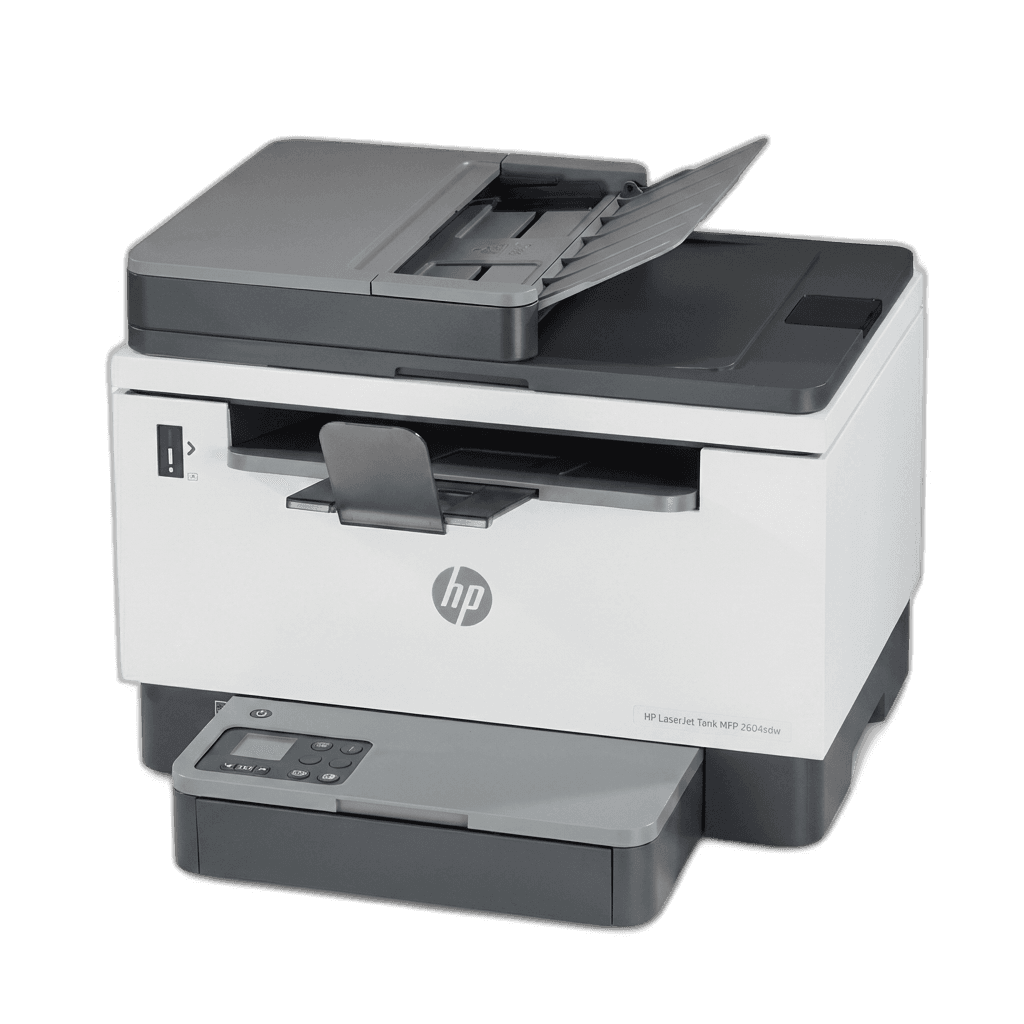
HP LaserJet Tank MFP 2604sdw
The Use Case
HP's LaserJet Tank line approaches the toner problem differently: it replaces traditional toner cartridges with a refillable tank. Much like the EcoTank or SuperTank inkjet series, you buy toner in relatively inexpensive refill kits, pour the toner directly into the printer's reservoir, and start printing. HP says each refill takes about 15 seconds and doesn't make a mess, which aligns with what actual users report.
Economics and Features
You get a sub-penny cost per page. Using the HP 153X high-yield refill kit (rated for about 5,000 pages), the per-page cost is around 0.58 cents. That is about half the cost per page of the Brother HL-L6210DW, and significantly cheaper than standard cartridge-based laser printers. Over a year of printing 3,000 pages a month, the difference in toner costs can exceed $100, which pays back a good chunk of the purchase price.
The 2604sdw is also a true multifunction device. It prints, scans, and copies. The automatic document feeder handles small batch scanning, and automatic duplex printing is included. For a small office or home business that needs to scan receipts, copy contracts, and print invoices, having all three functions enclosed in a compact unit means you don't need a standalone scanner.
Trade-offs and Reality Check
Print speed is the major compromise here. At 22 to 23 pages per minute, the 2604sdw is considerably slower than the Brother options. The first page prints in about 8 seconds, which is fine, but sustained throughput won't beat a business-class engine.
Paper capacity also reflects its consumer-grade roots. The standard tray holds 250 sheets with zero expansion options available. For a home office doing 1,500 to 3,000 pages a month, that is manageable. In a busy shared office, you'll be reloading paper constantly.
Scan quality is functional but not impressive. Reviewers usually describe it as "passable"—fine for basic document archiving, but grainy for anything requiring image fidelity. Also, the paper tray feels somewhat flimsy compared to the higher-end Brother machines, though it hasn't proven to be a common failure point.
HP notes the tank system uses 75% less plastic waste than traditional cartridges. For buyers looking at environmental impact, that's an actual, measured difference.
Brother MFC-L5915DW - The All-in-One Workhorse
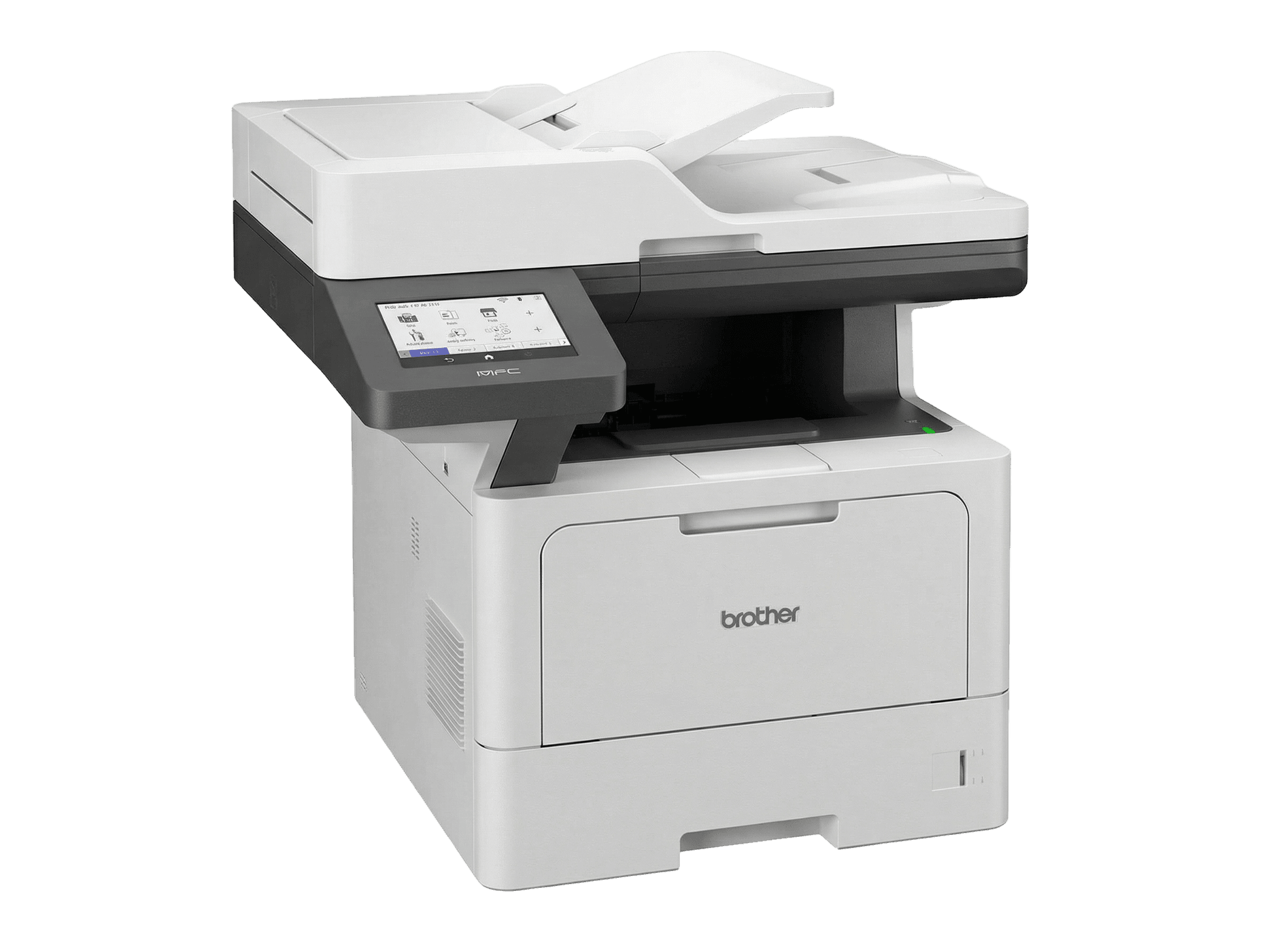
Brother MFC-L5915DW
The Use Case
If your office needs printing, scanning, and copying at sustained volumes, the MFC-L5915DW puts it all together. It takes the same engine class and TN920 toner family as the HL-L6210DW and mounts a full multifunction scanner assembly on top, featuring a highly capable document feeder.
Performance and Economics
Print speed matches the HL-L6210DW at 50 pages per minute. The maximum duty cycle is 125,000 pages per month, with a recommended monthly volume of 8,000 pages. This is a true workgroup machine designed to serve multiple users without acting as a bottleneck.
Toner economics are identical to the HL-L6210DW. Using the ultra-high-yield TN920UXXL cartridge (18,000 pages), the cost sits around 1.1 cents per page. Standard paper capacity is 350 sheets, expandable up to 1,390 sheets using optional add-on trays.
Scanning and Interface
The scanning hardware separates the MFC-L5915DW from cheaper alternatives. It includes a 70-sheet automatic document feeder with single-pass duplex scanning. This means it scans both sides of a page simultaneously, reaching scan speeds of 56 images per minute. For offices that process multi-page contracts or compliance documents heavily, this stops the printer from being a waiting point. Many consumer-grade MFPs use reversing ADFs, which physically flip the paper, increasing scan time and adding mechanical wear.
The interface uses a 5-inch color touchscreen where you can set up shortcuts for common tasks. It is a definite upgrade over the basic monochrome LCD panels found on cheaper printers, making simple copy jobs less frustrating.
Trade-offs and Reality Check
The device provides Gigabit Ethernet, dual-band Wi-Fi (2.4 GHz and 5 GHz), and mobile printing. It relies on Brother's Triple Layer security approach just like the HL-L6210DW model.
The obvious trade-off is the cost and physical size. Retailing generally between $500 and $600, it costs nearly twice as much as the single-function version. The scanner and ADF assembly also make it physically larger and heavier. If your office already relies on a standalone scanner, the premium for these multifunction capabilities might be wasted.
However, for offices where scanning multi-page documents is common and desk space matters, the MFC-L5915DW earns its price tag by handling every job capably instead of just one.
Final Thoughts
These three printers are for different people. The main issue they all solve is maintaining functionality under heavy volume without bleeding cash.
The Brother HL-L6210DW is built for speed and simplicity. It prints fast, the toner costs stay low, and the machine doesn't choke out under pressure. If you don't scan much, this is the most practical option.
The HP LaserJet Tank 2604sdw serves the budget-conscious user prioritizing the cheapest possible page. The refillable toner system allows sub-penny costs that traditional laser cartridge systems can't match. The trade-offs are a slower engine and a much smaller paper capacity. For a home office doing up to 4,000 pages a month, the economics make sense.
The Brother MFC-L5915DW is for an office that needs one machine to do it all quickly. It has the same throughput and toner setup as the HL-L6210DW, but adds a very fast 70-sheet ADF with single-pass duplex scanning. The price jump is significant, but it easily pays for itself when dealing with paper-heavy workflows.
Ultimately, match the printer to your real monthly volume. Buy for what you actually do, not what the marketing promises, and check the cost of ultra-high-yield toner before deciding. That's where the money actually goes.
Product Comparison at a Glance
| Product | Brand | Speed | Cost Per Page | Rec. Volume | Type | Action |
|---|---|---|---|---|---|---|
#1Brother HL-L6210DW | Brother | 50 ppm | ~1.1¢ | 8,000 pages/mo | Print Only | |
#2HP LaserJet Tank MFP 2604sdw | HP | 23 ppm | ~0.58¢ | 2,500 pages/mo | All-in-One | |
#3Brother MFC-L5915DW | Brother | 50 ppm | ~1.1¢ | 8,000 pages/mo | All-in-One |